
 요금제 보기
Glow Up With Face AI Editor
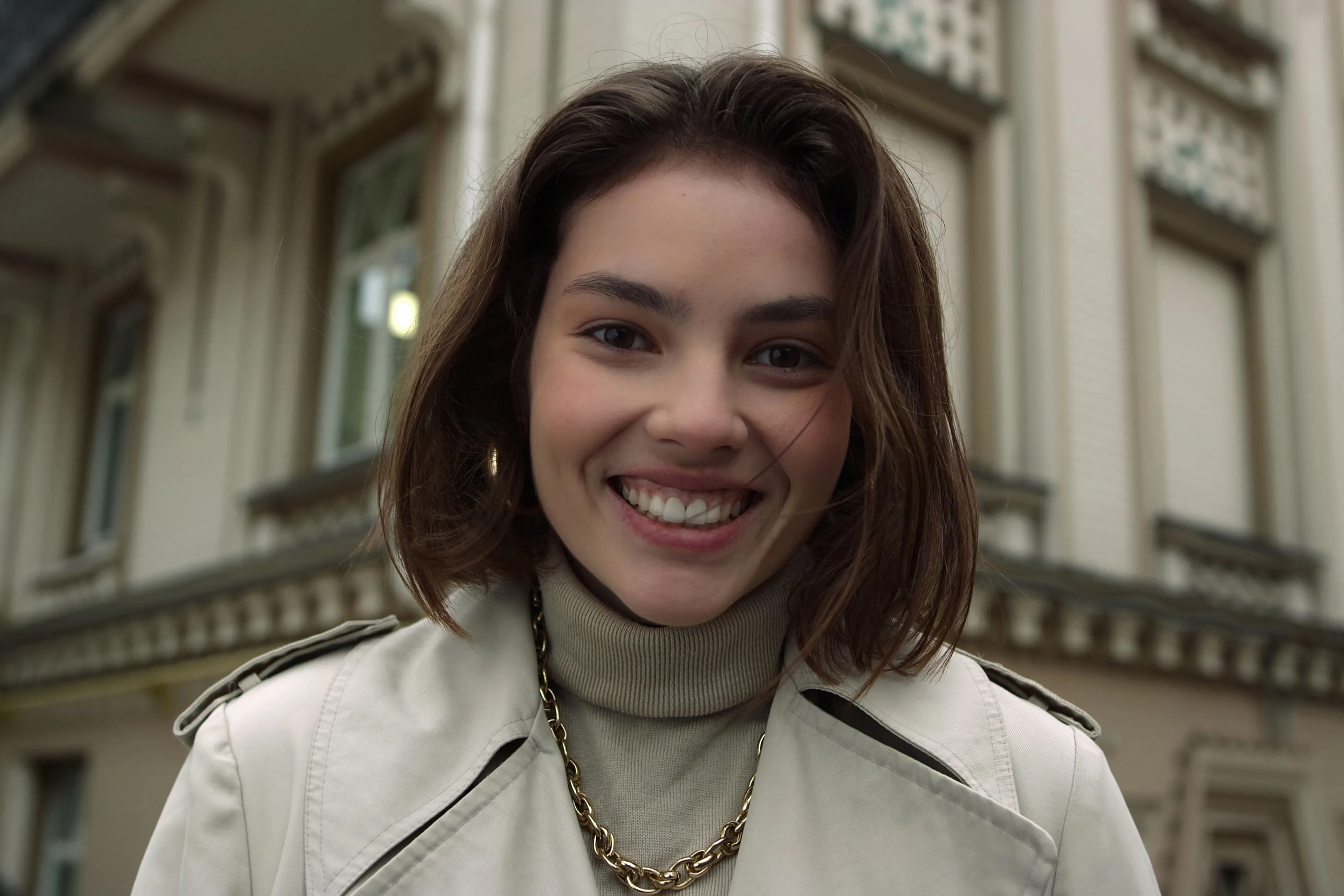
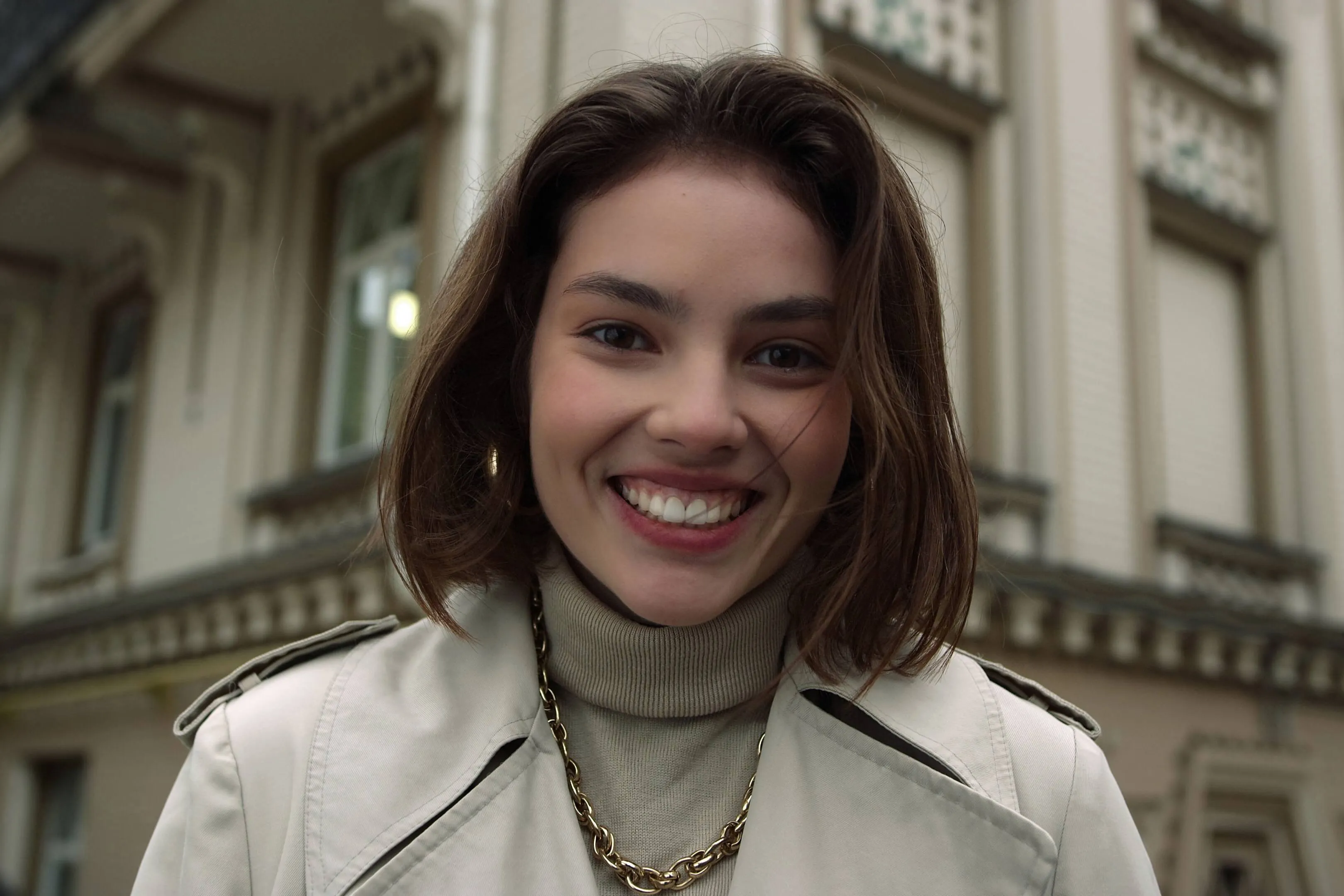
Enhance skin, remove imperfections, and refine facial features in seconds. No overediting, no hassle—with Luminar Face AI Editor, your portraits just look right.
요금제 보기How to Use Face AI Editor
Face AI Editor detects facial features automatically, letting you enhance and refine portraits in just a few steps.

사진 열기
Start by opening the image you want to edit in Luminar, then go to Face AI Editor.

이목구비 향상
Shape and enhance key facial features in just a few simple adjustments.
- Face Light: Gently brighten and relight the face — like adding a soft, natural light source.
- Slim Face: Refine face proportions for a more balanced, natural look. Also helps correct lens distortion.

Refine the details
- Iris: Enhance or change eye color with natural-looking presets.
- Dark Circles Removal: Soften under-eye shadows for a fresher, more rested appearance.
- Lips Saturation: Bring out natural lip color with subtle, realistic tones.

멋진 결과물을 확인하세요
Your portrait comes together naturally. Save it or keep refining the moment with other tools in Luminar.
Where Face AI Editor Fits
Portrait & lifestyle photographers





콘텐츠 크리에이터 및 블로거
일반 사용자 및 개인 사진


다른 기능 둘러보기

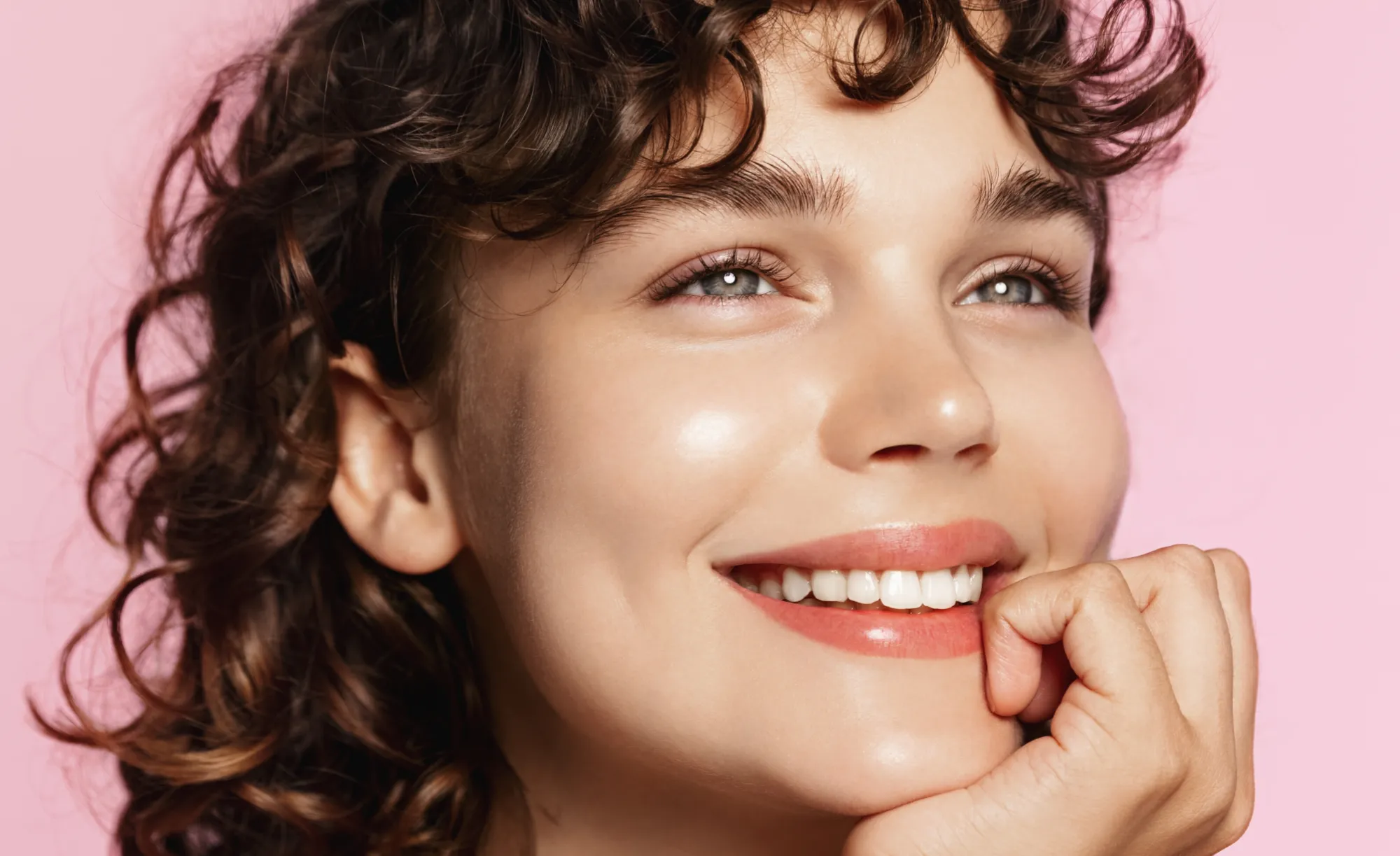
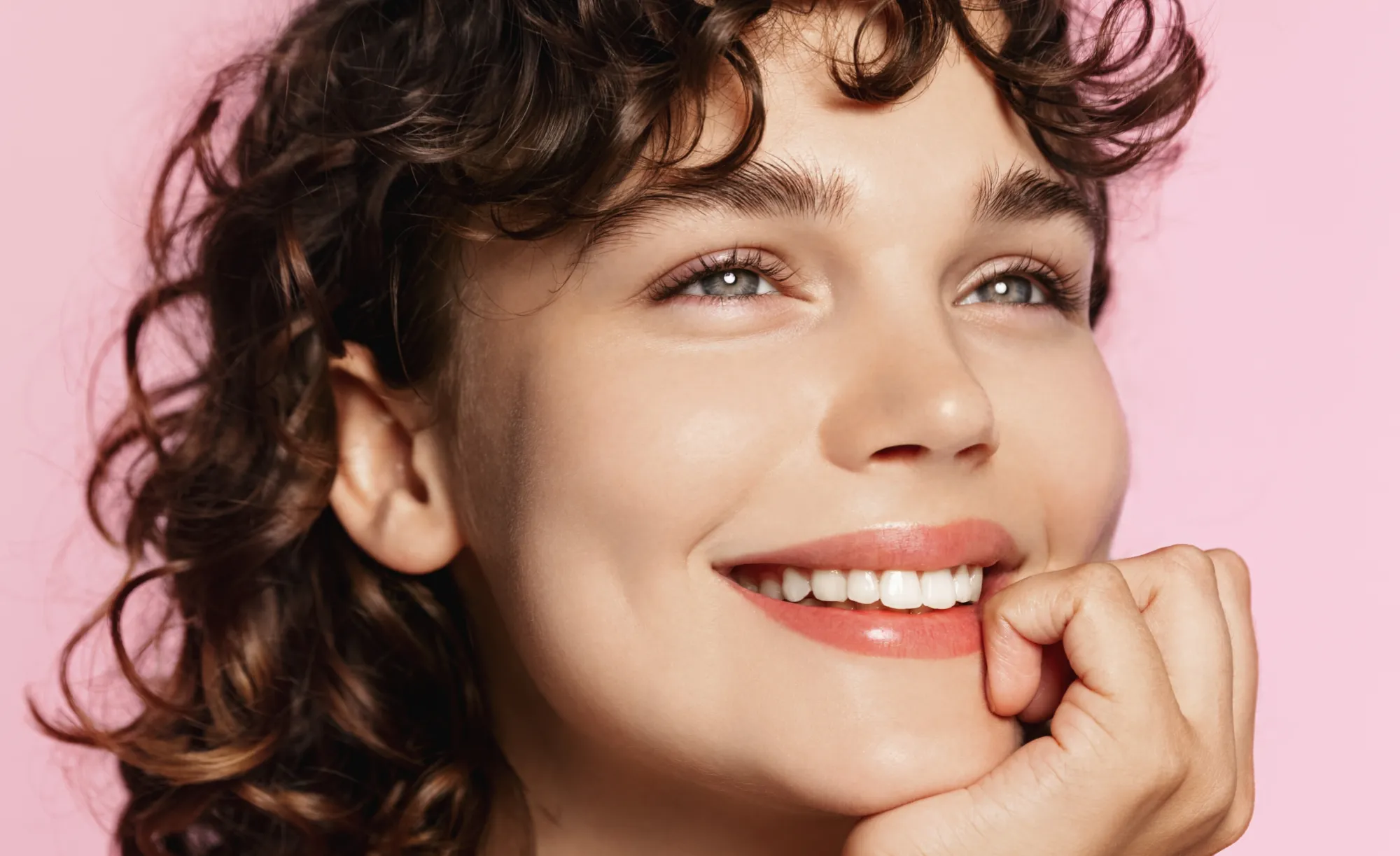


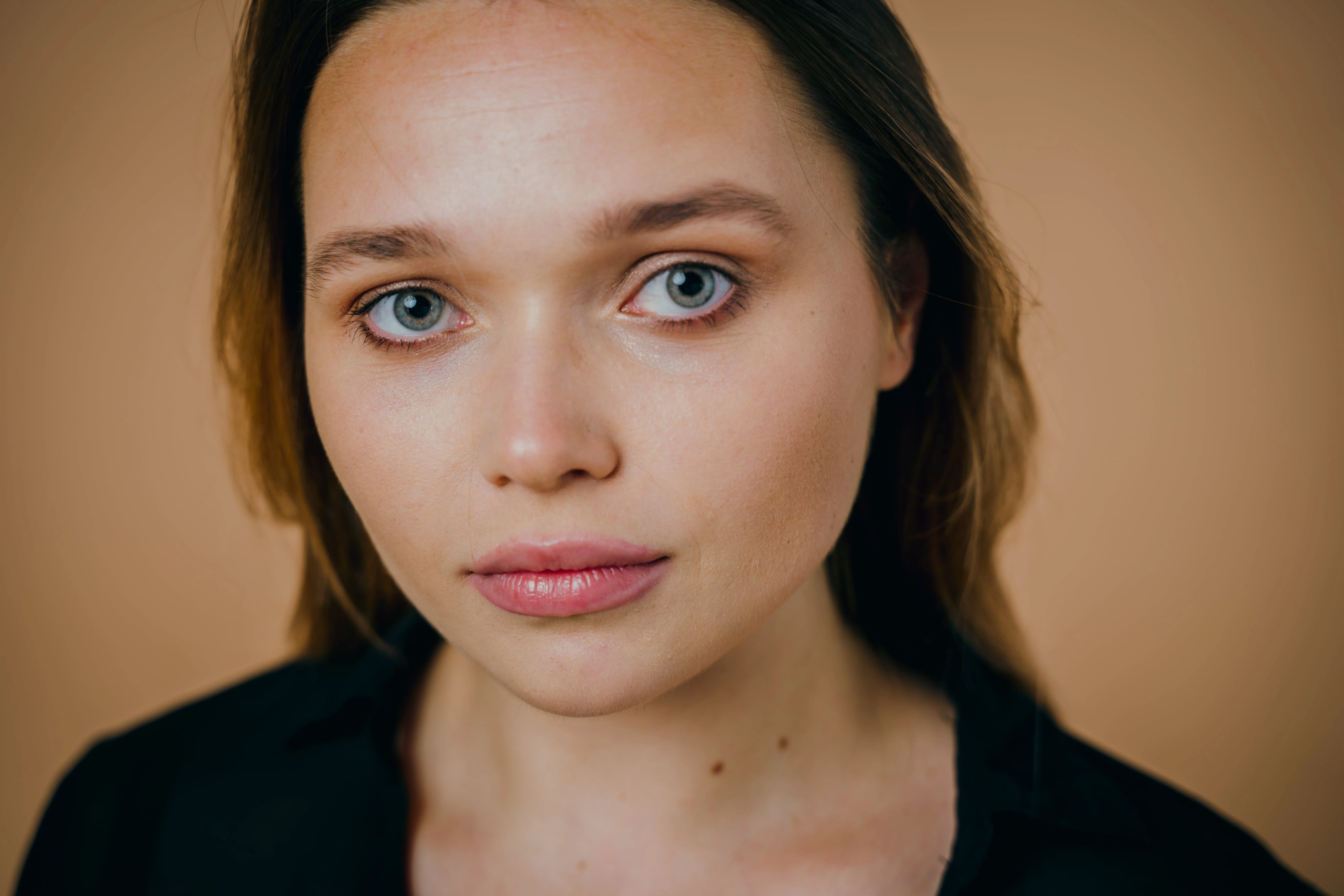
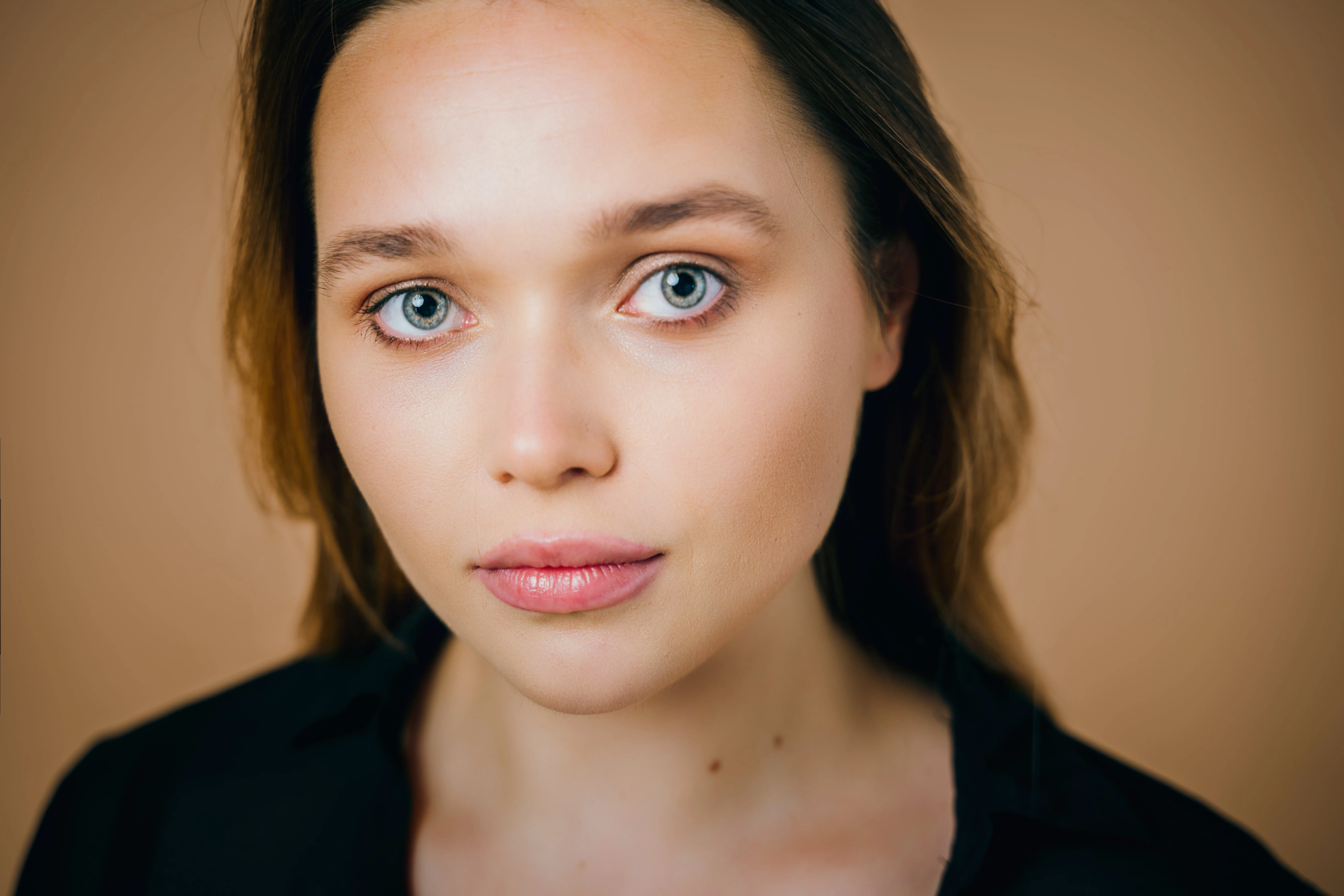



.webp)
.webp)
애플리케이션 및 플러그인
macOS 및 Windows 전용
- 고성능 AI 편집기
핵심: 연중무휴 24시간 기술 지원
30일 환불 보장
커뮤니티에 참여하세요

자주 묻고 답하는 질문
초보자도 AI 얼굴 사진 편집기를 사용할 수 있나요?
Can I use Luminar to enhance my portraits?
얼굴 AI의 주요 기능이 무엇인가요?
• Face: Face Light adjusts lighting on the face only, while Slim Face helps correct proportions and distortion
• Eyes: tools include iris color adjustment, eye enlargement, whitening, detail enhancement, dark circle removal, and red-eye correction
• Mouth: includes lip color adjustments and automatic teeth whitening
얼굴 AI를 사진에 사용하는 방법은 무엇인가요?
Why Luminar is the best AI face editor?
Who can benefit from Luminar AI face slimmer?
• Portrait photographers: correct lens distortion and refine facial balance
• Event photographers: improve portraits quickly across large photo sets
• Content creators: achieve more polished, natural-looking faces
• Everyday users: enhance selfies without over-editing
Luminar gives photographers an edge in creating balanced, natural portraits without reshooting.
Why Luminar face editor is trusted by photographers?
• Edit faces individually: apply adjustments to each subject using masking tools
• Refine eye details: including iris color, subtle light effects (Iris Flare), and dark circle removal
• Maintain full control: preview changes and avoid over-editing with built-in before/after tools
Luminar stands out due to its ability to combine fast AI automation with detailed manual control, delivering consistent, professional portrait results.
