View plans

Luminar Neo Brush Tool
Turn Your Vision into Reality

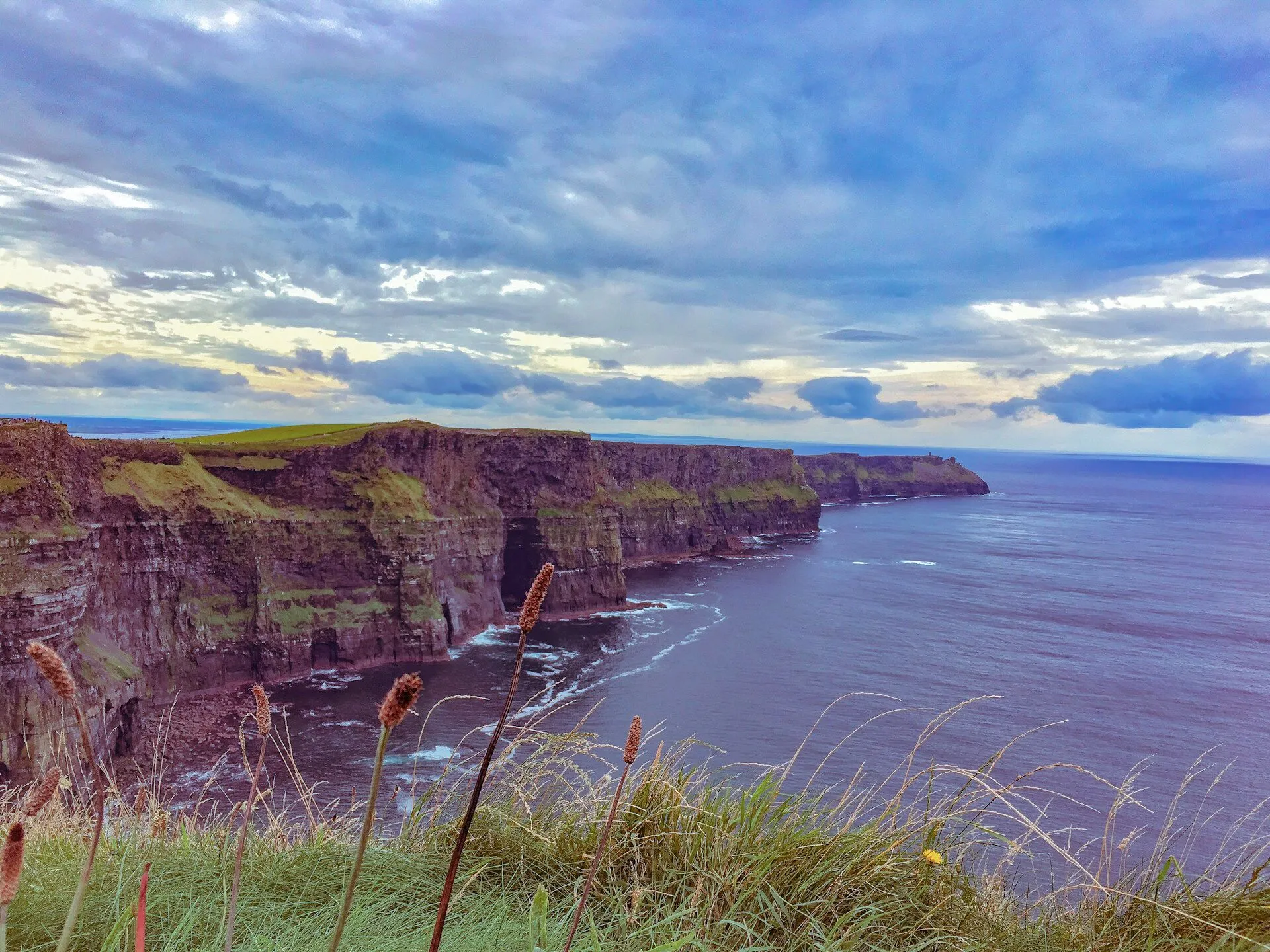
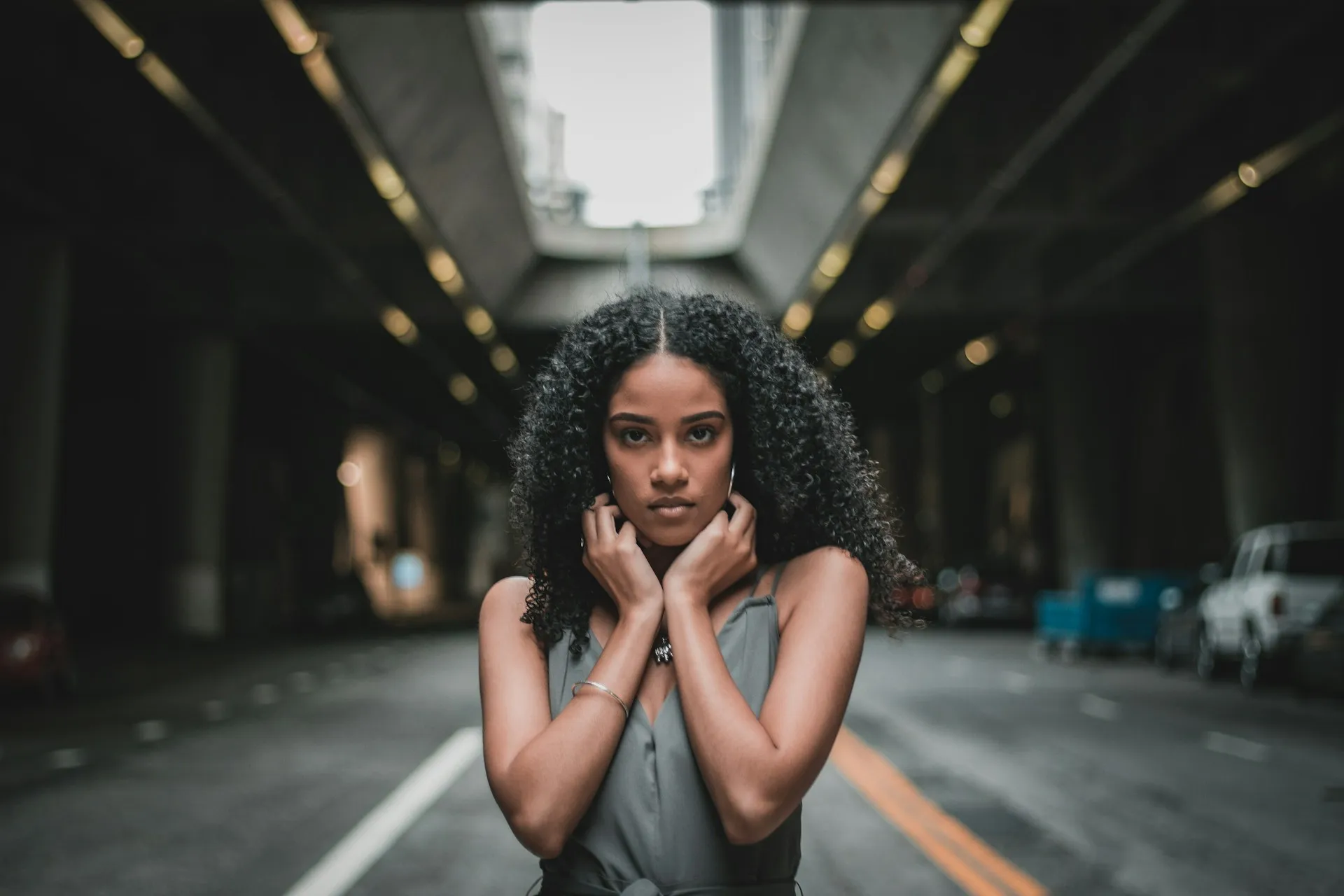
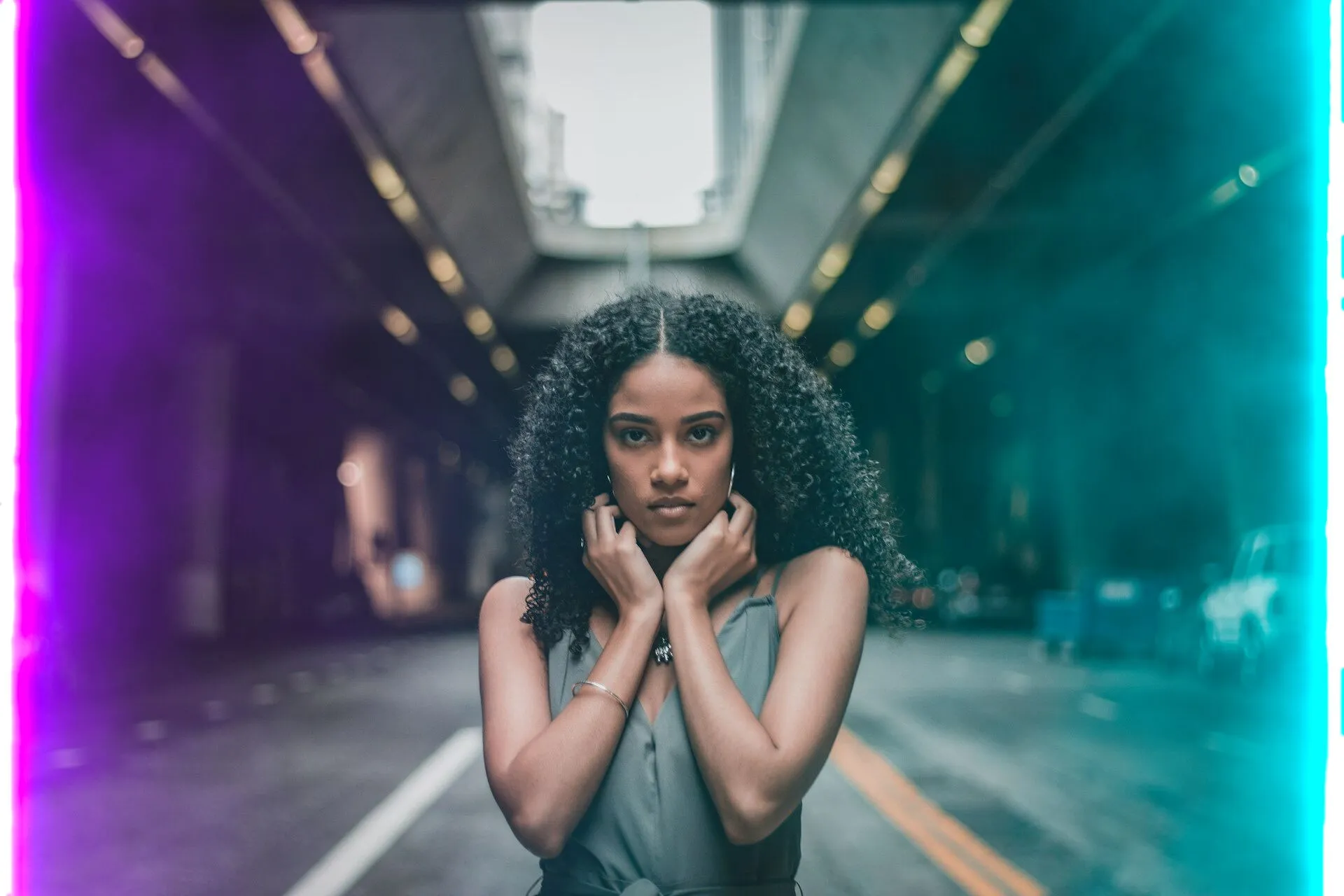
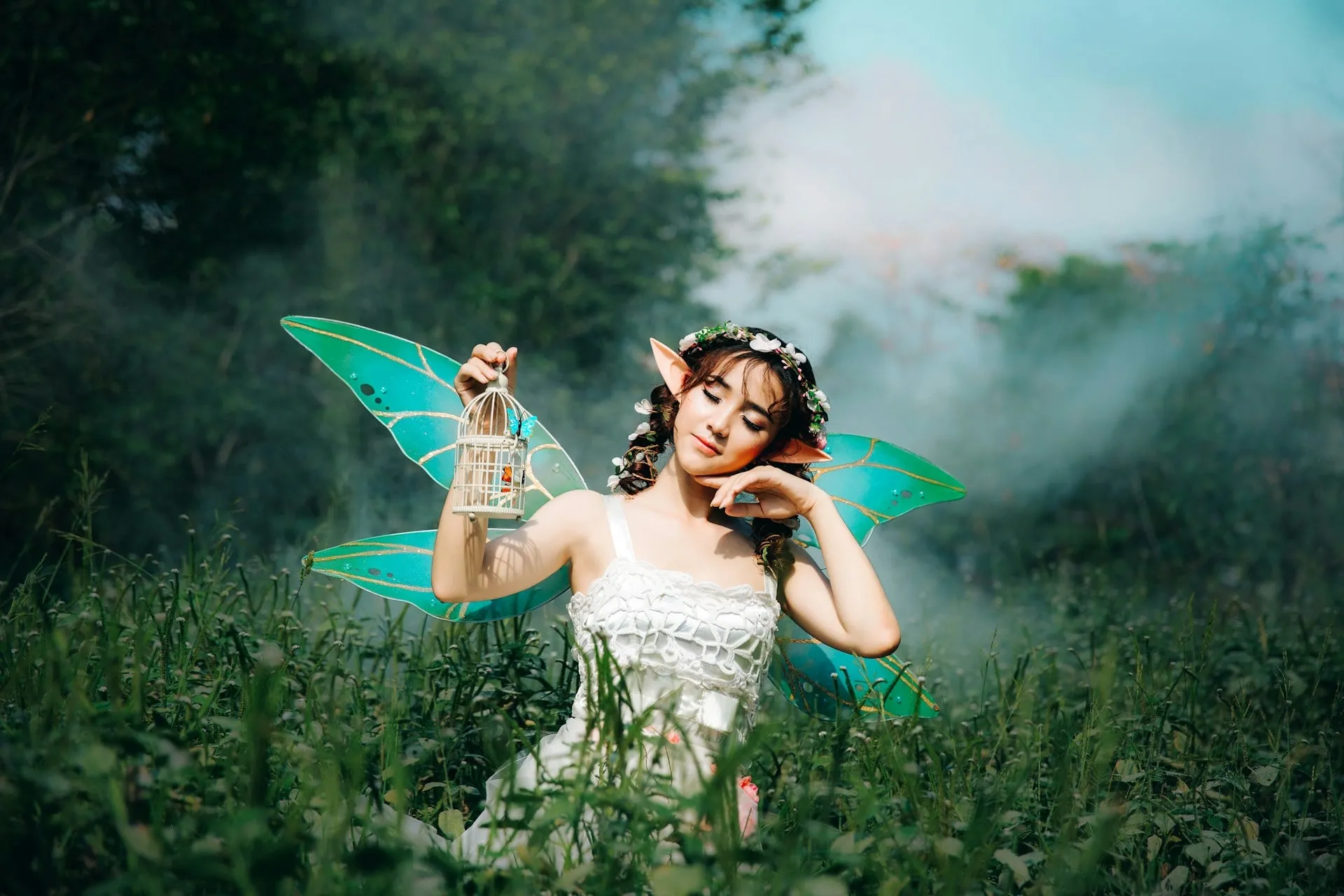
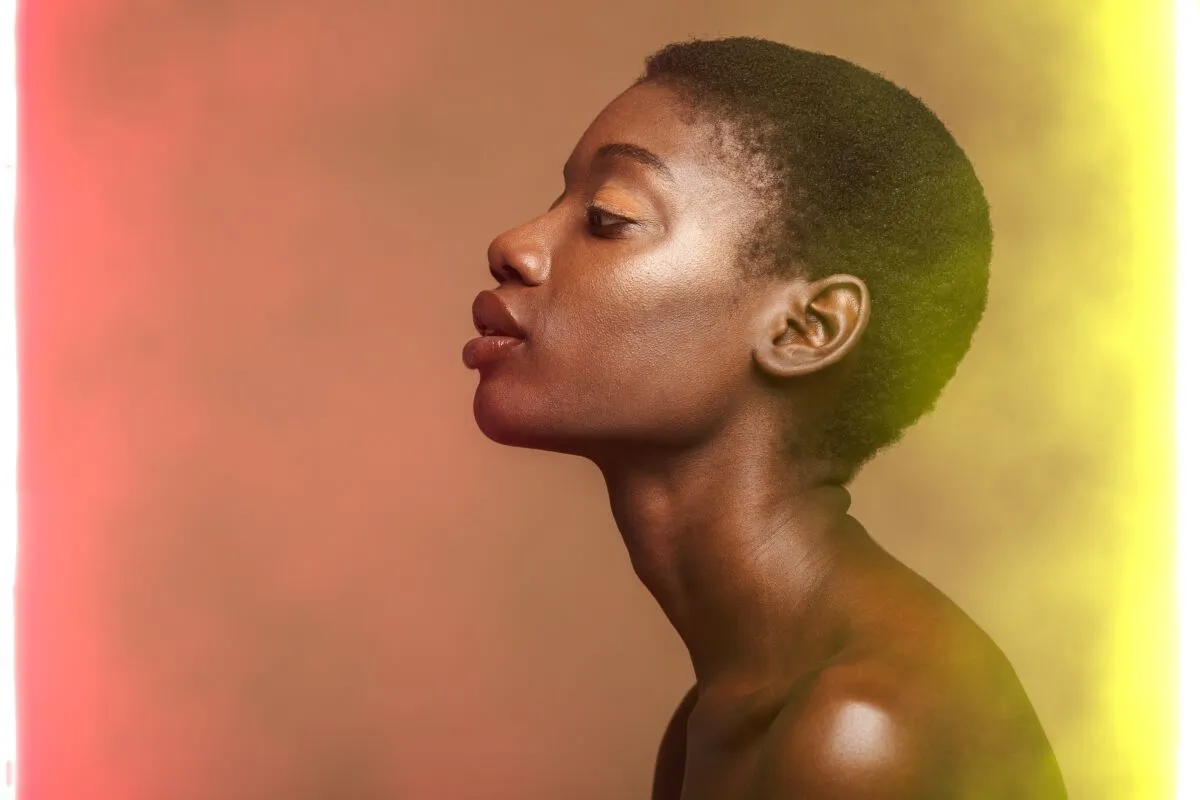
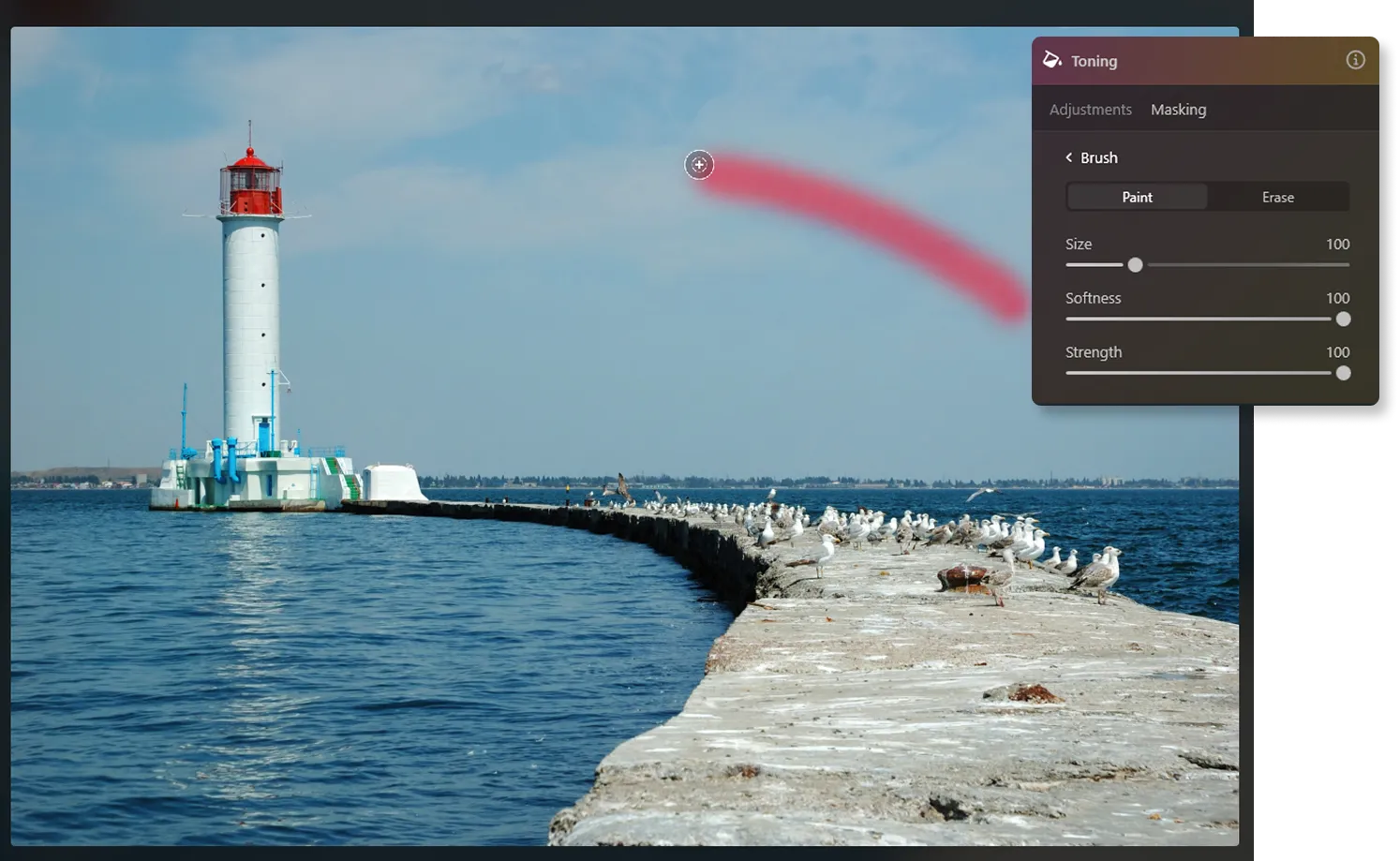
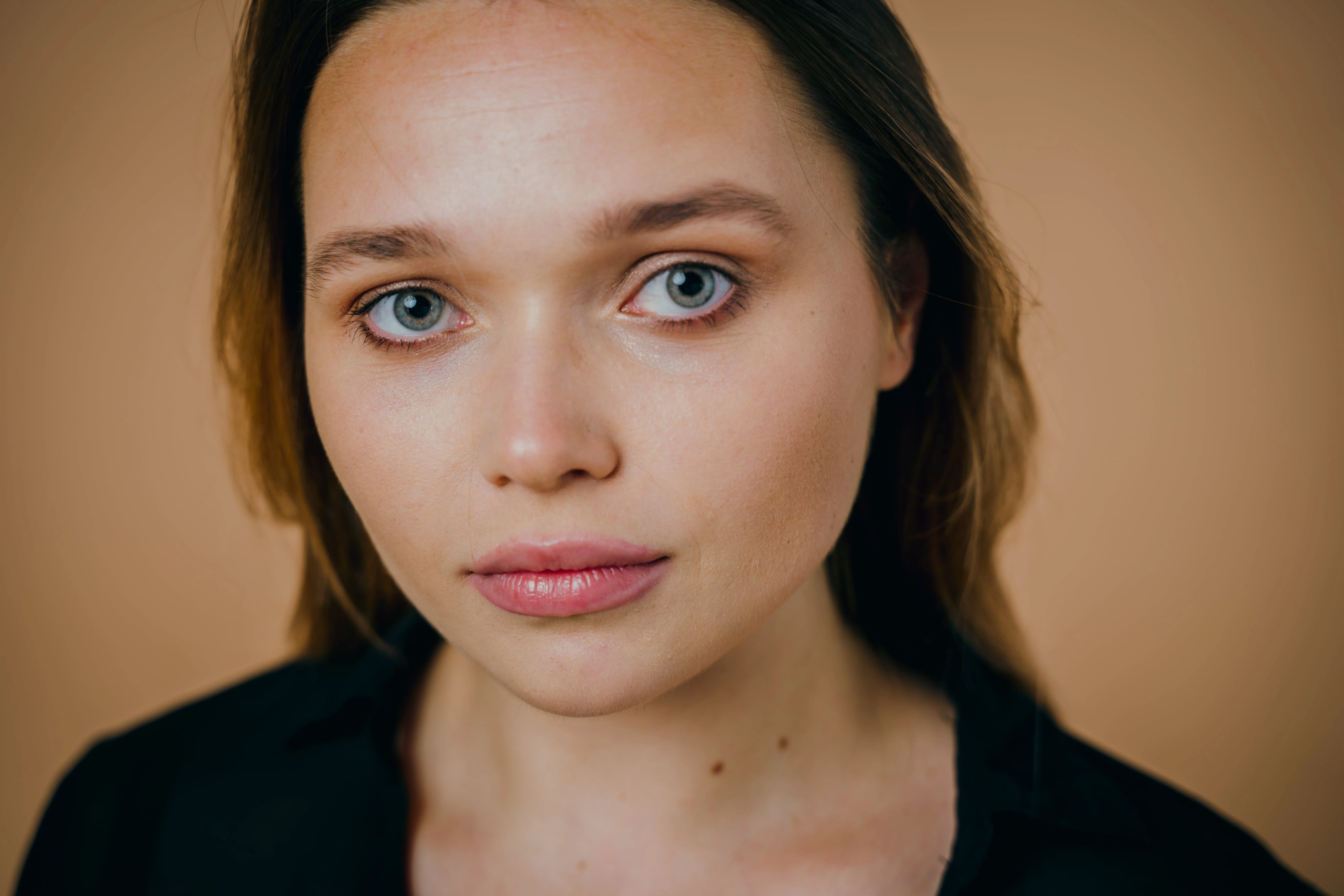
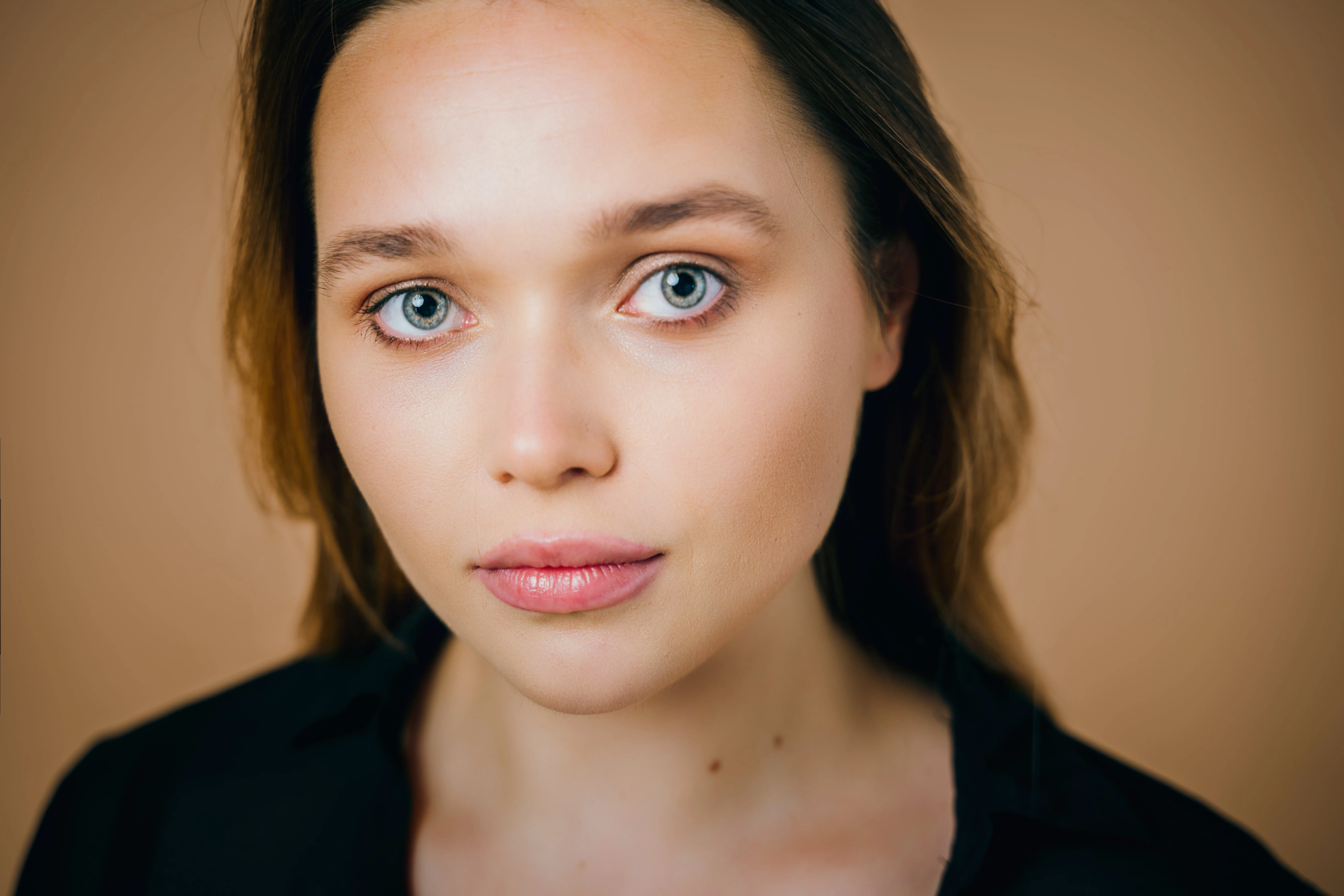
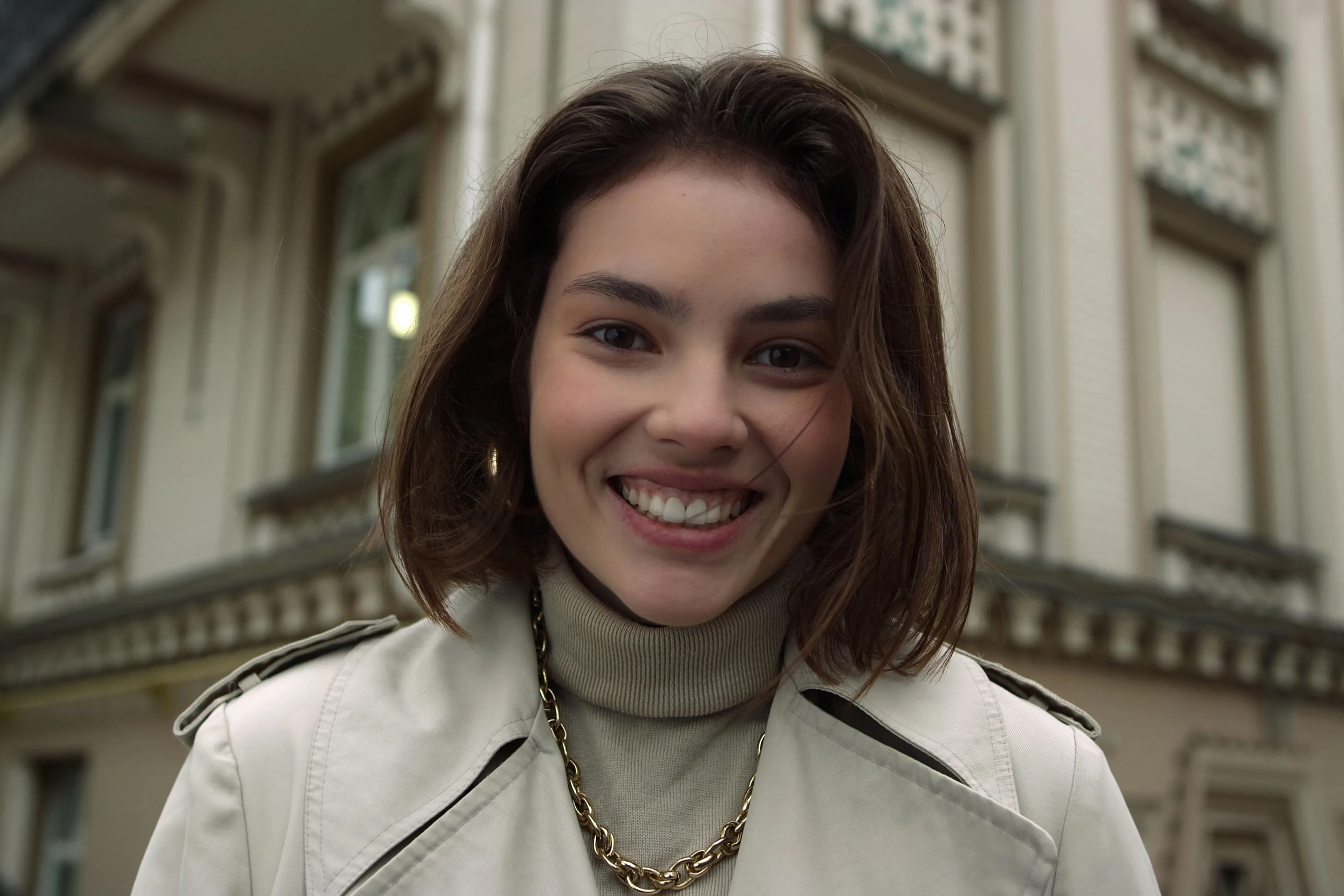
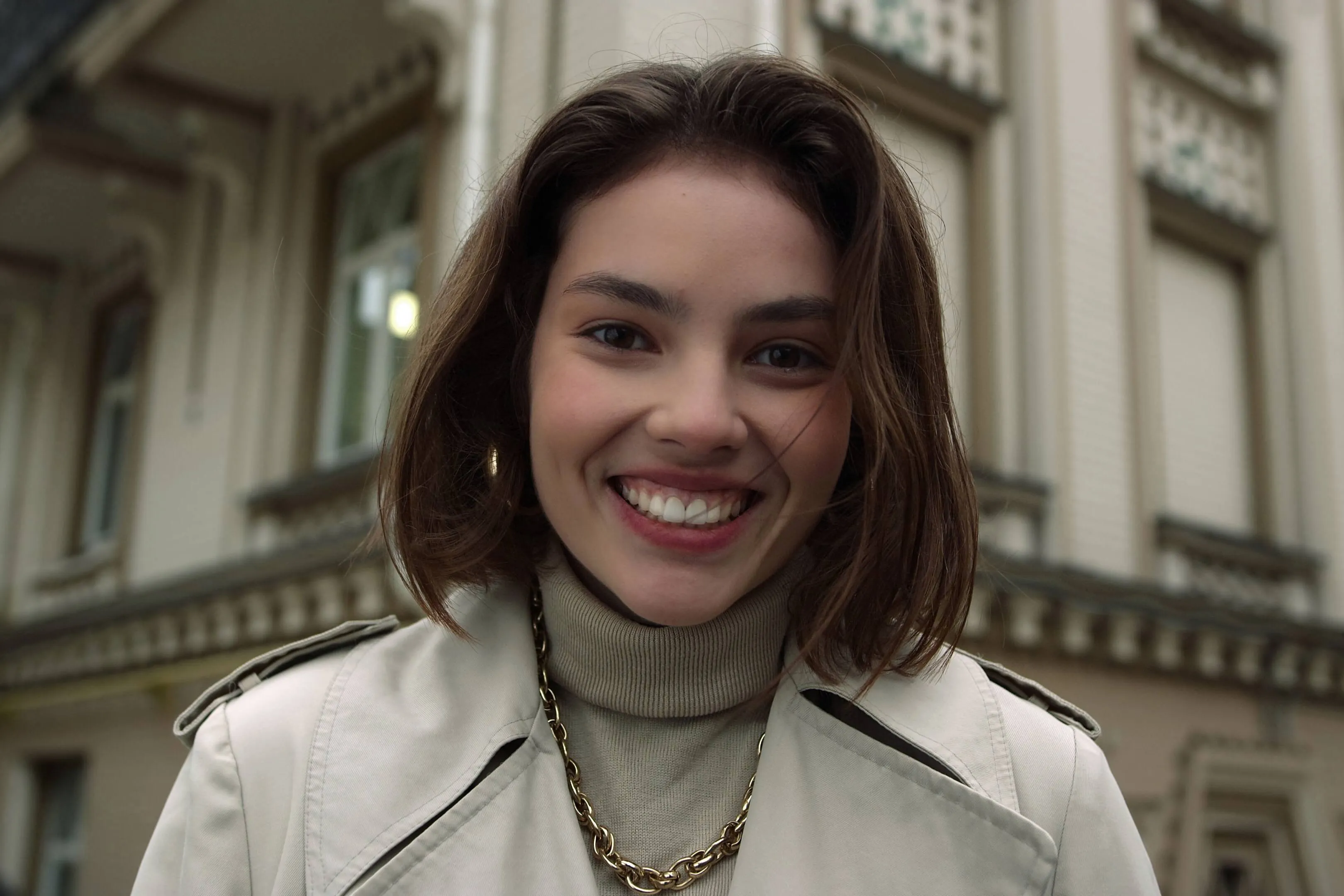
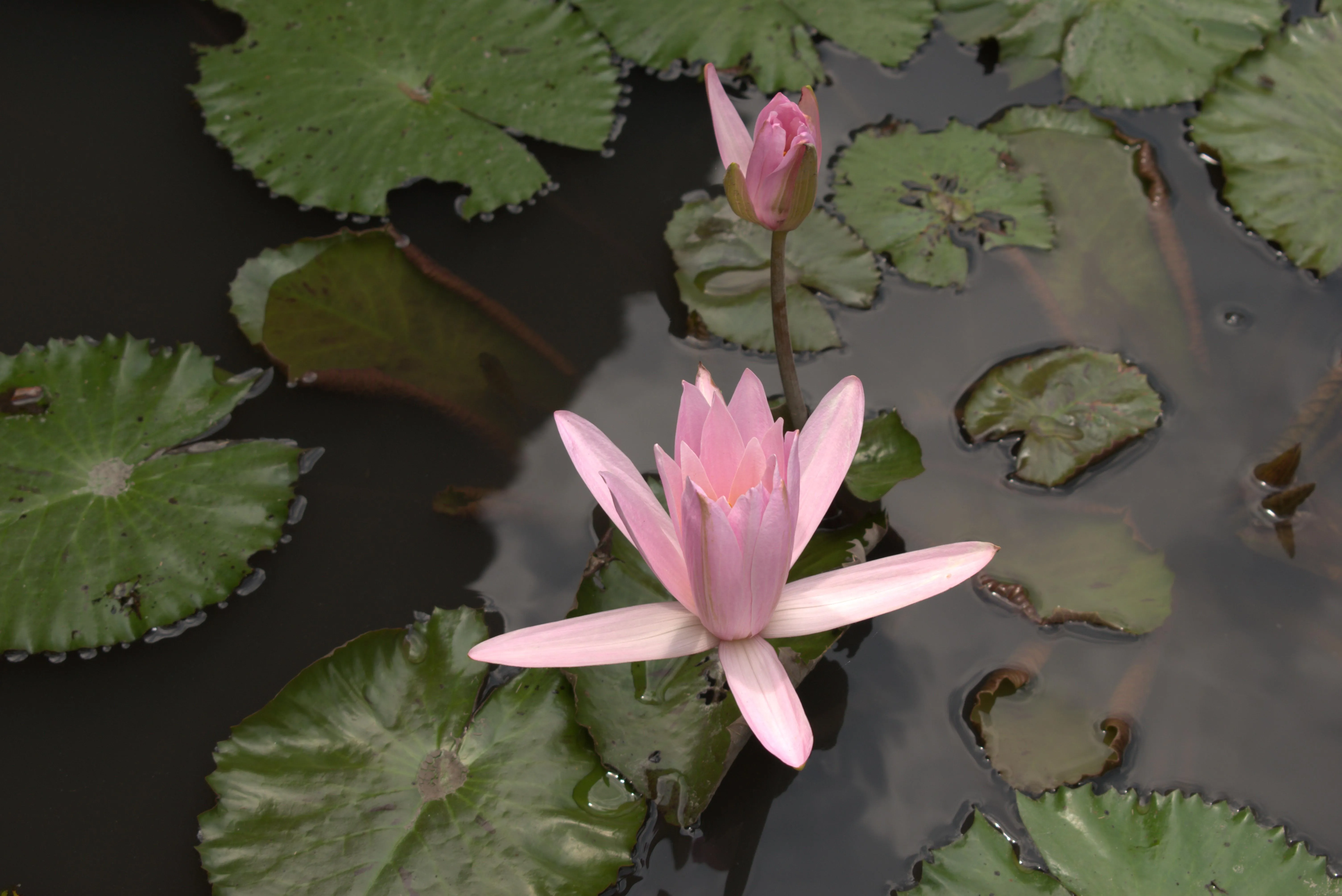
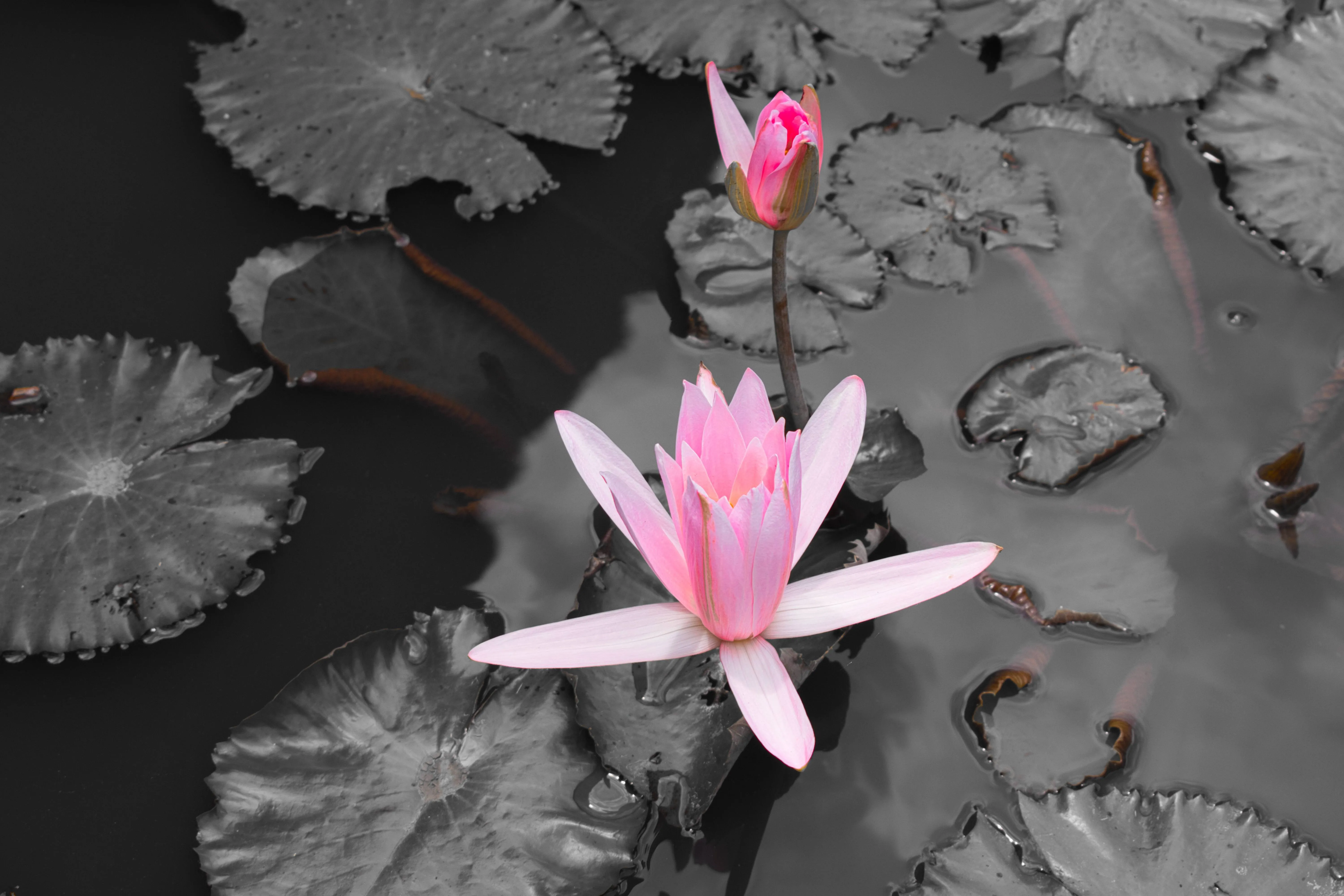
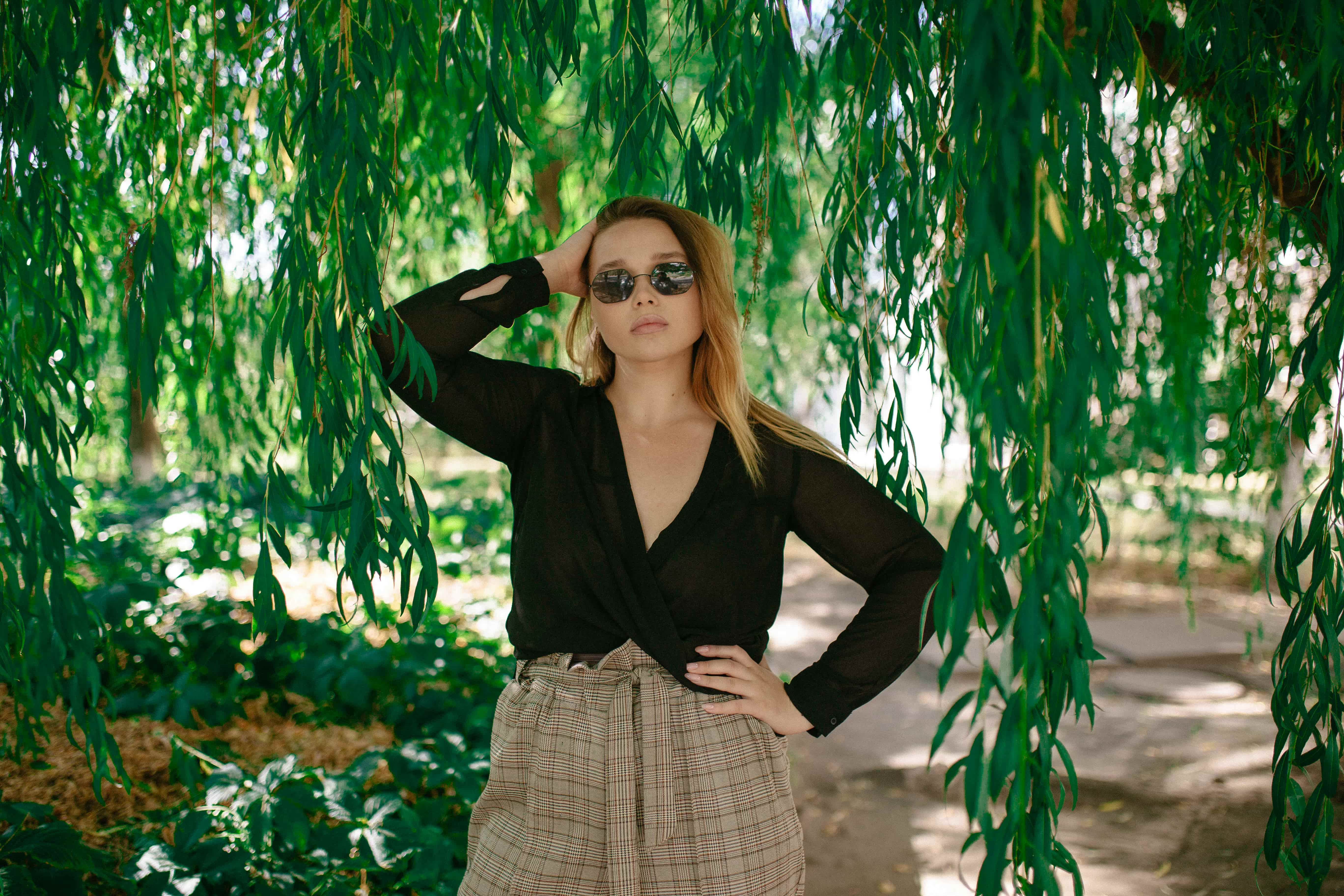
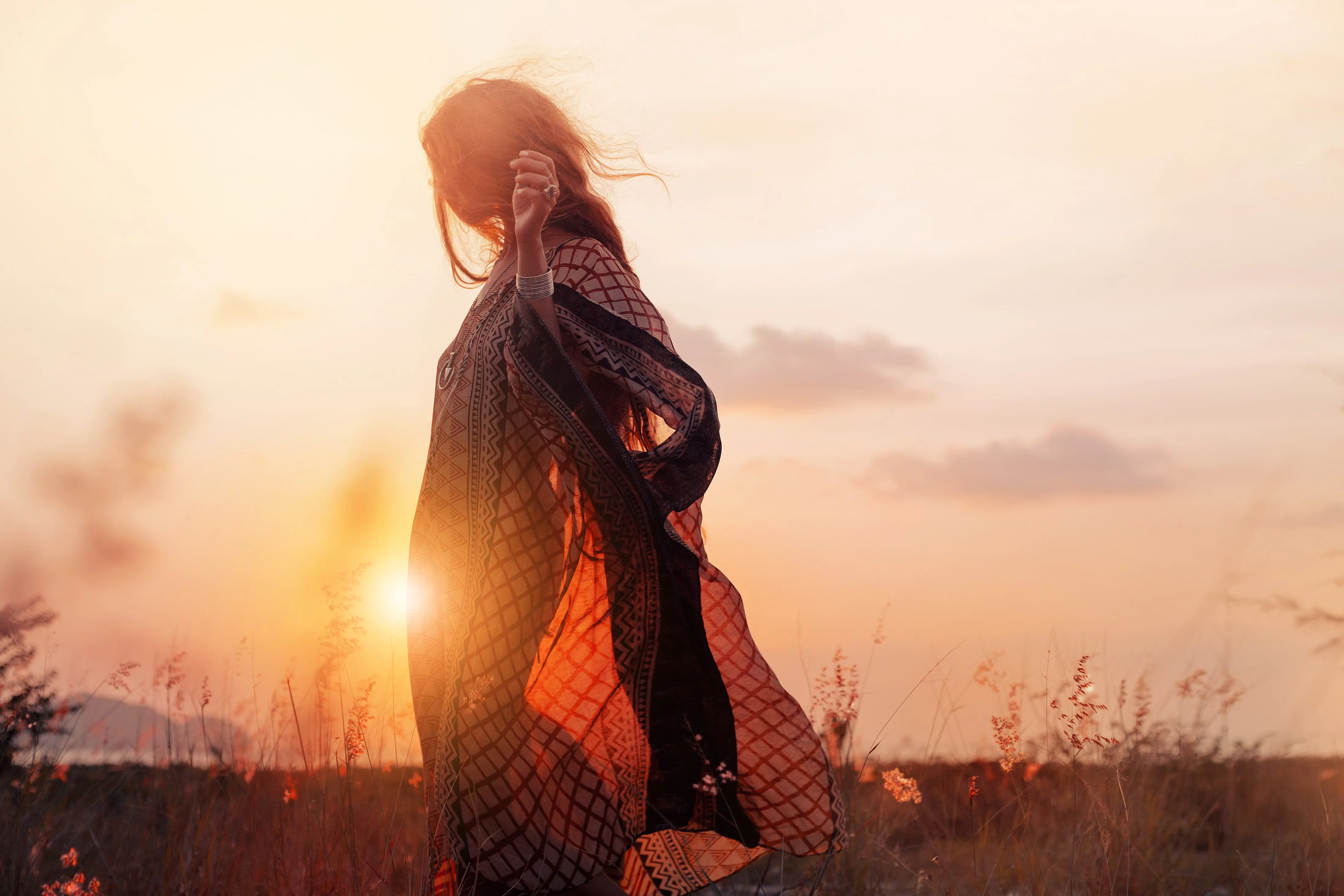
Bring your ideas to life with the Luminar Brush, a tool that gives you total creative freedom. Take precise control over color, light, and texture to craft the perfect balance in every photo

View plans

Edit Like an Artist with the Luminar Neo Brush Tool

With so many tools available in Luminar Neo, these three are the most effective for crafting precise, high-impact edits with the Paint Brush Tool:
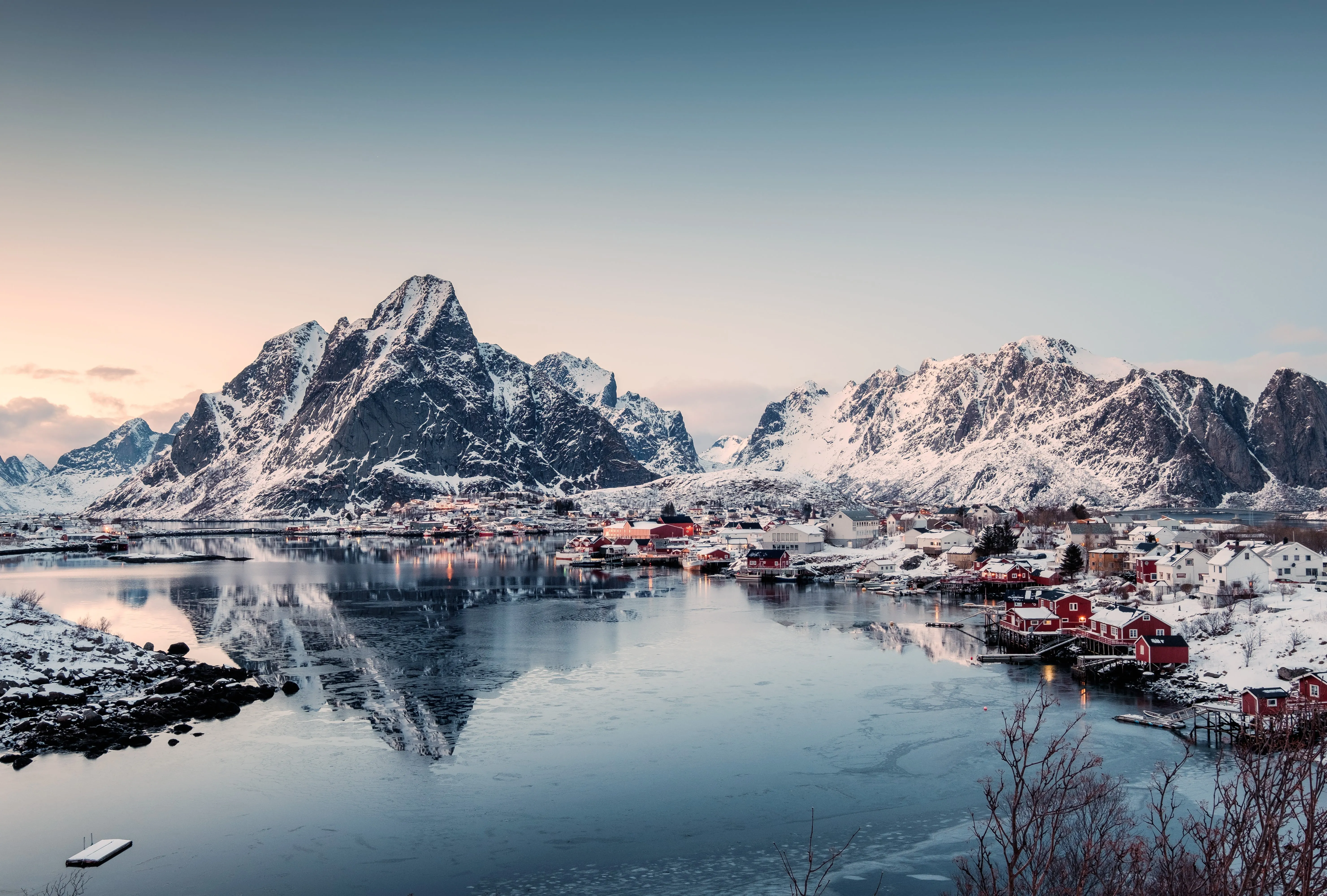
1. Color Toning – Perfect Color Harmony

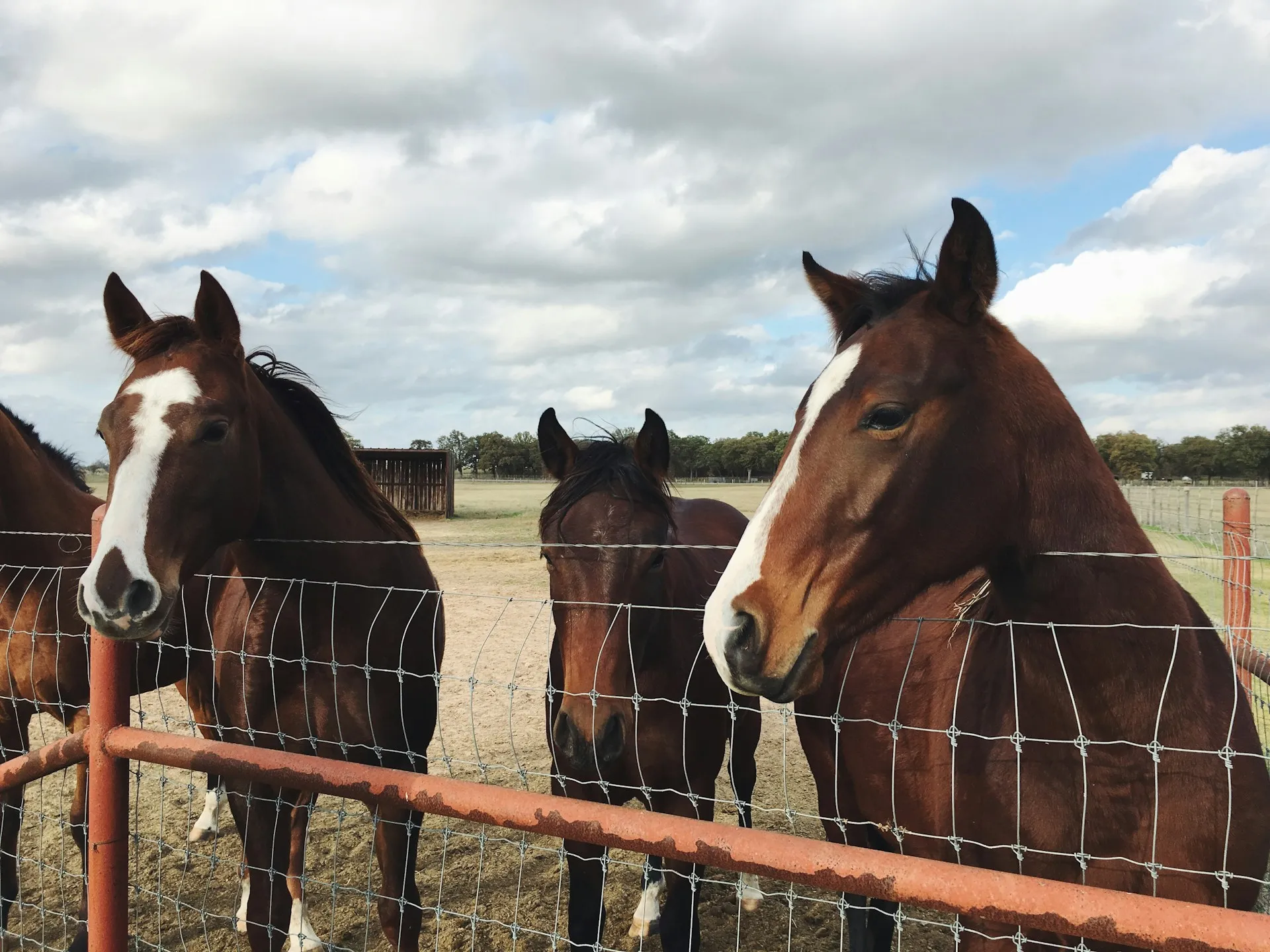
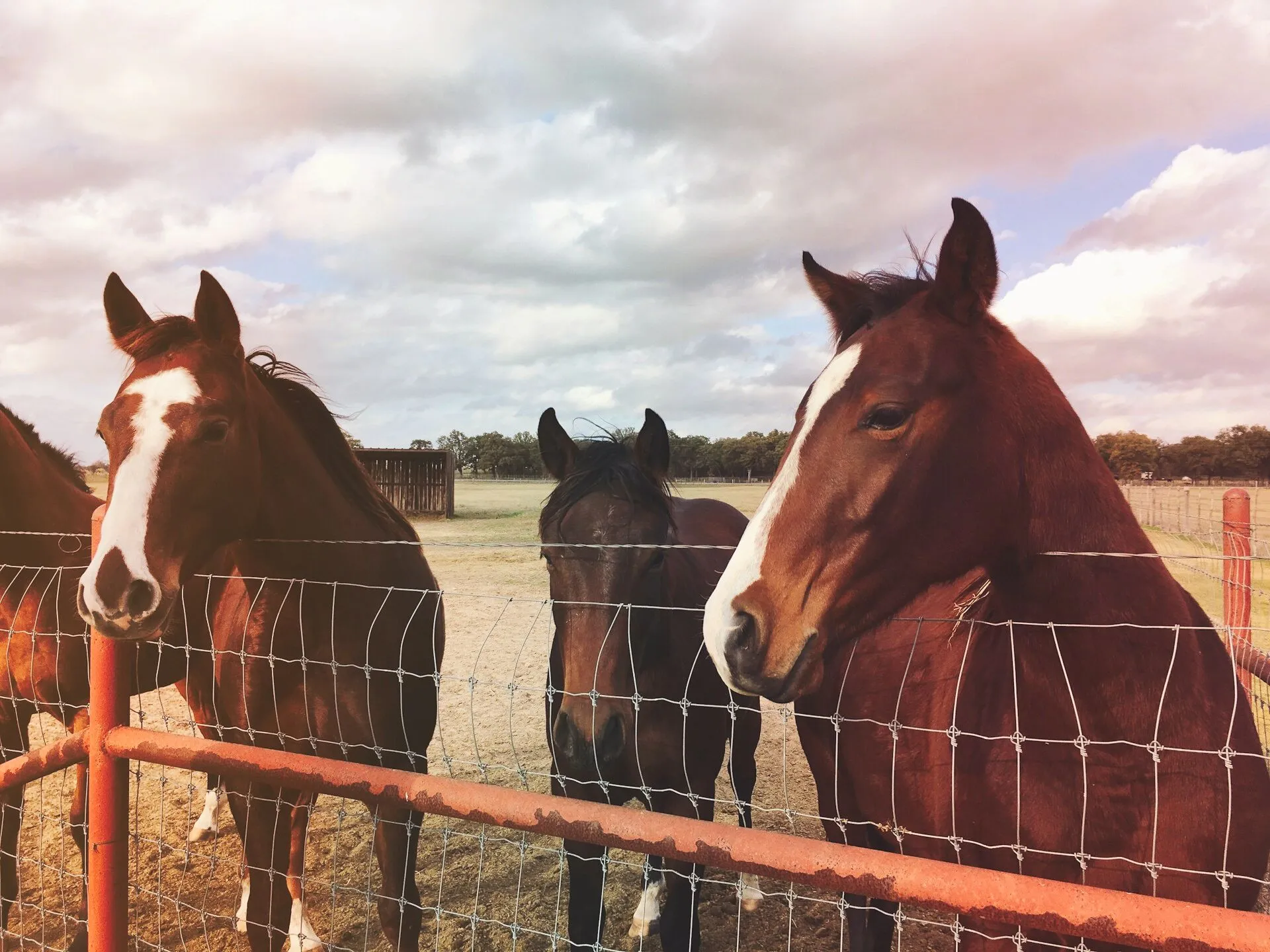
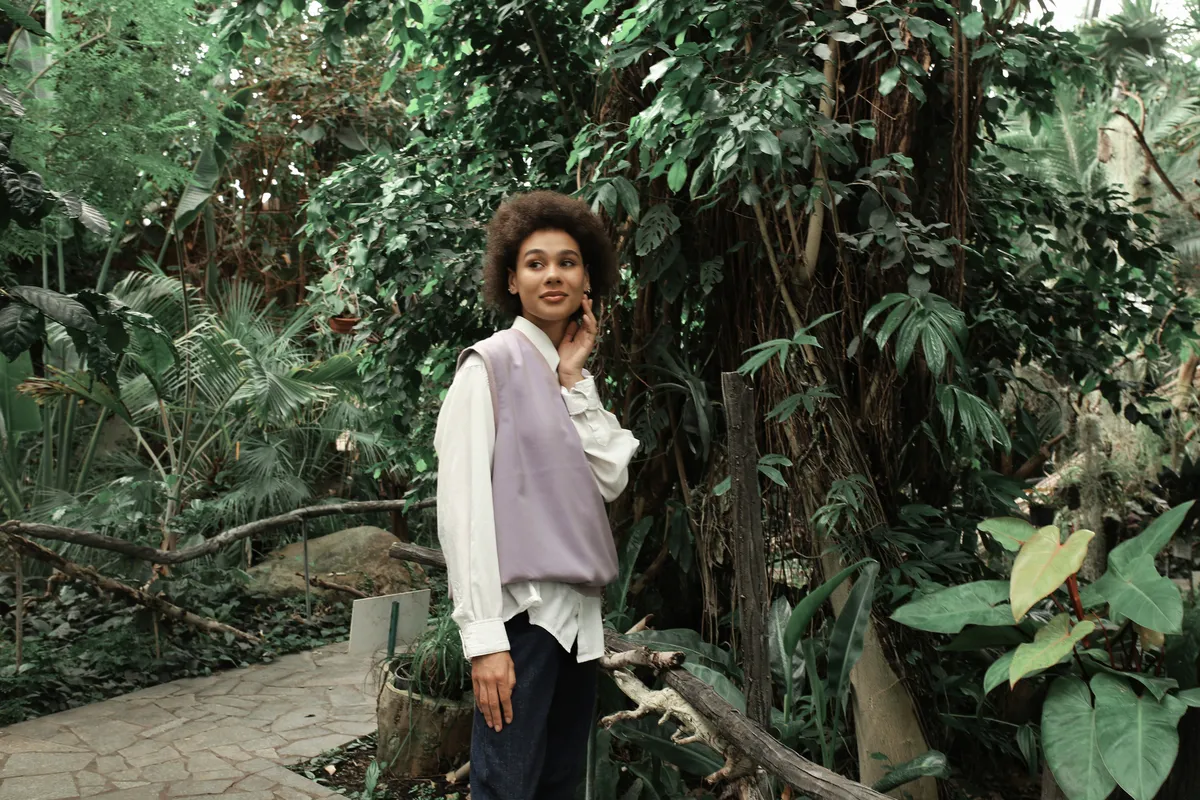
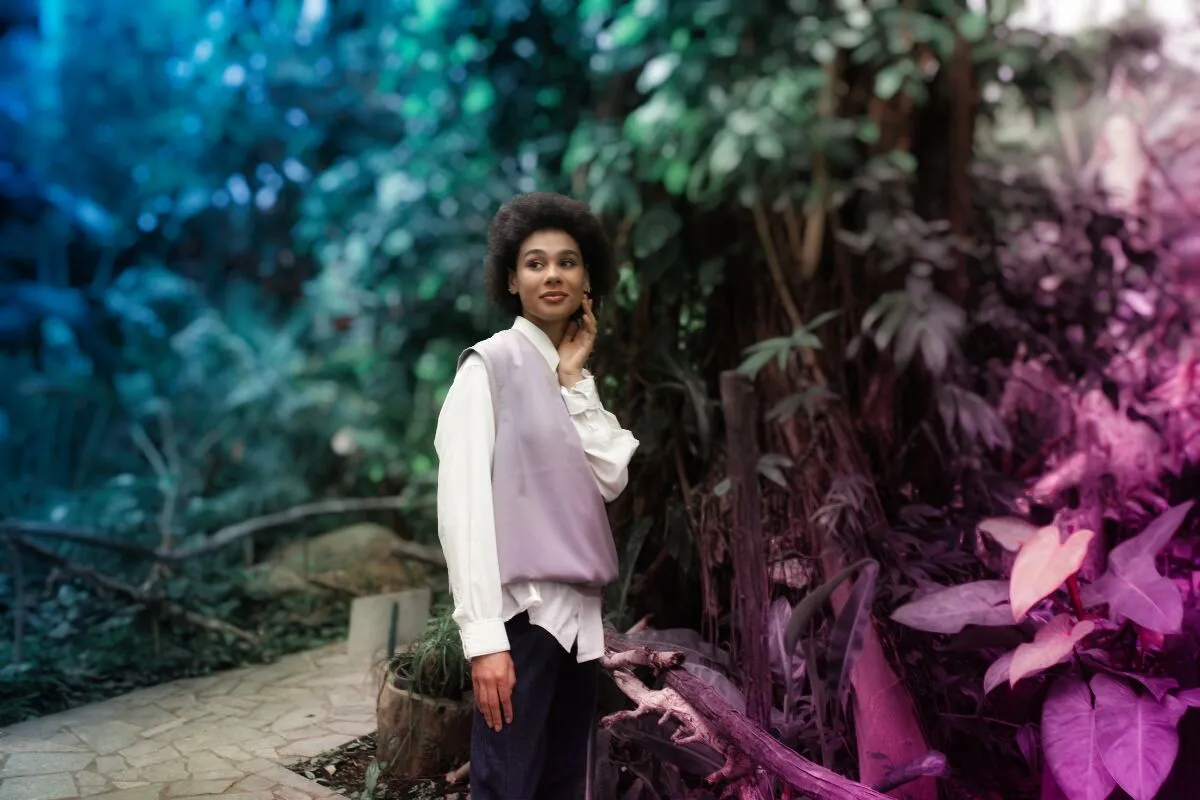
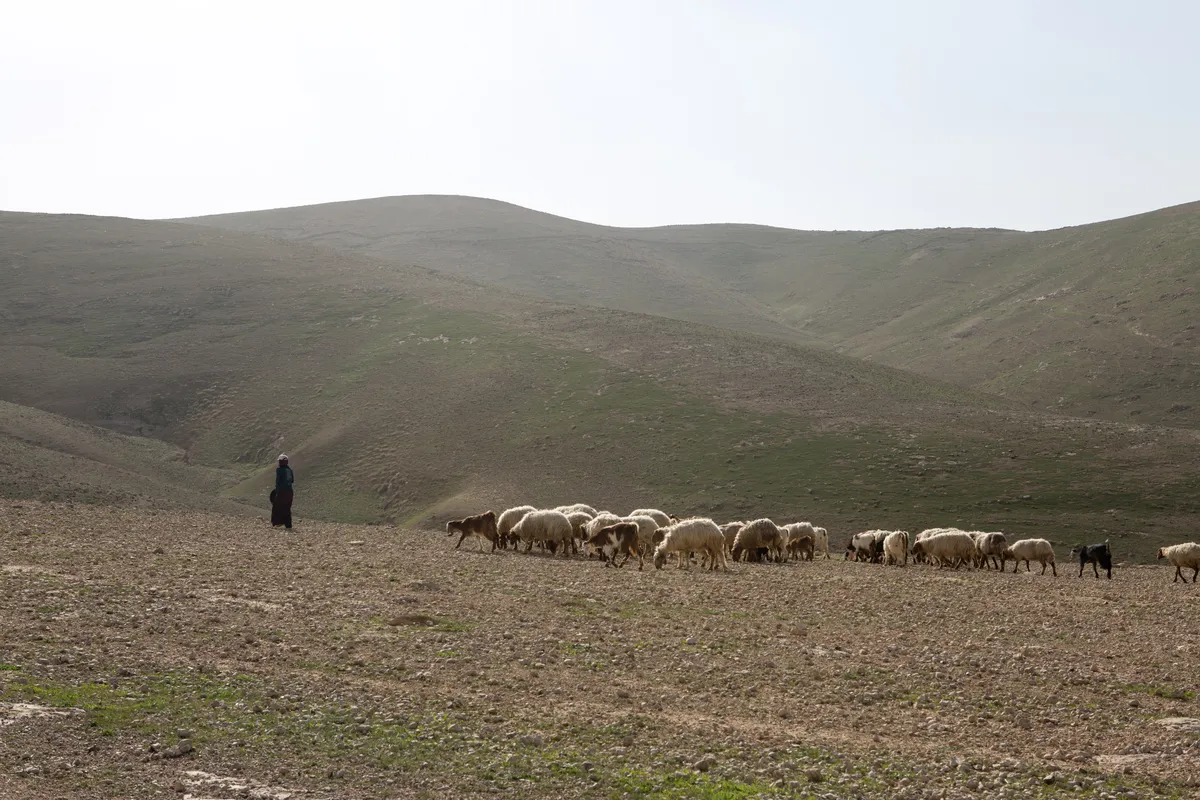
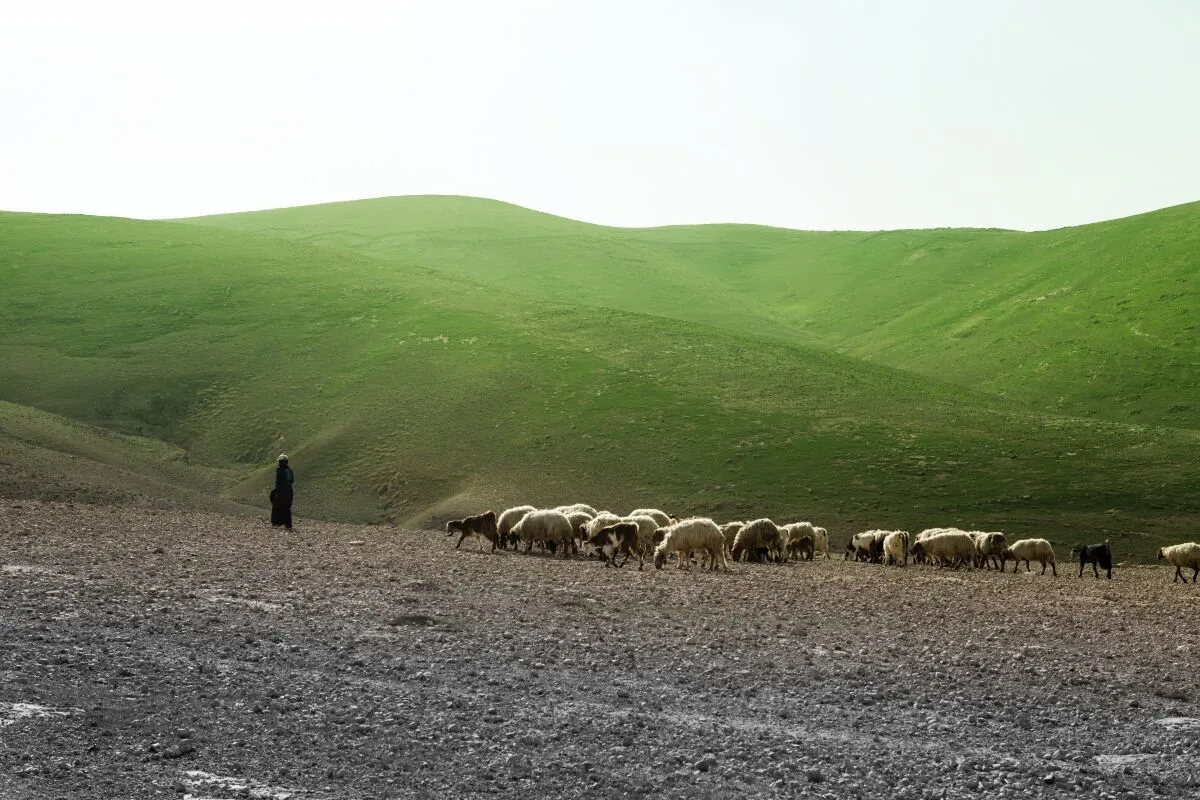
Apply precise color adjustments to specific areas of your photo to enhance mood, add cinematic tones, or balance highlights and shadows with artistic accuracy.
(4)
(5)
(6)
Before
After
© leighton-smith
(7)
(8)
(9)
Before
After
© shutterstock

2. Neon – Futuristic Glowing Effects

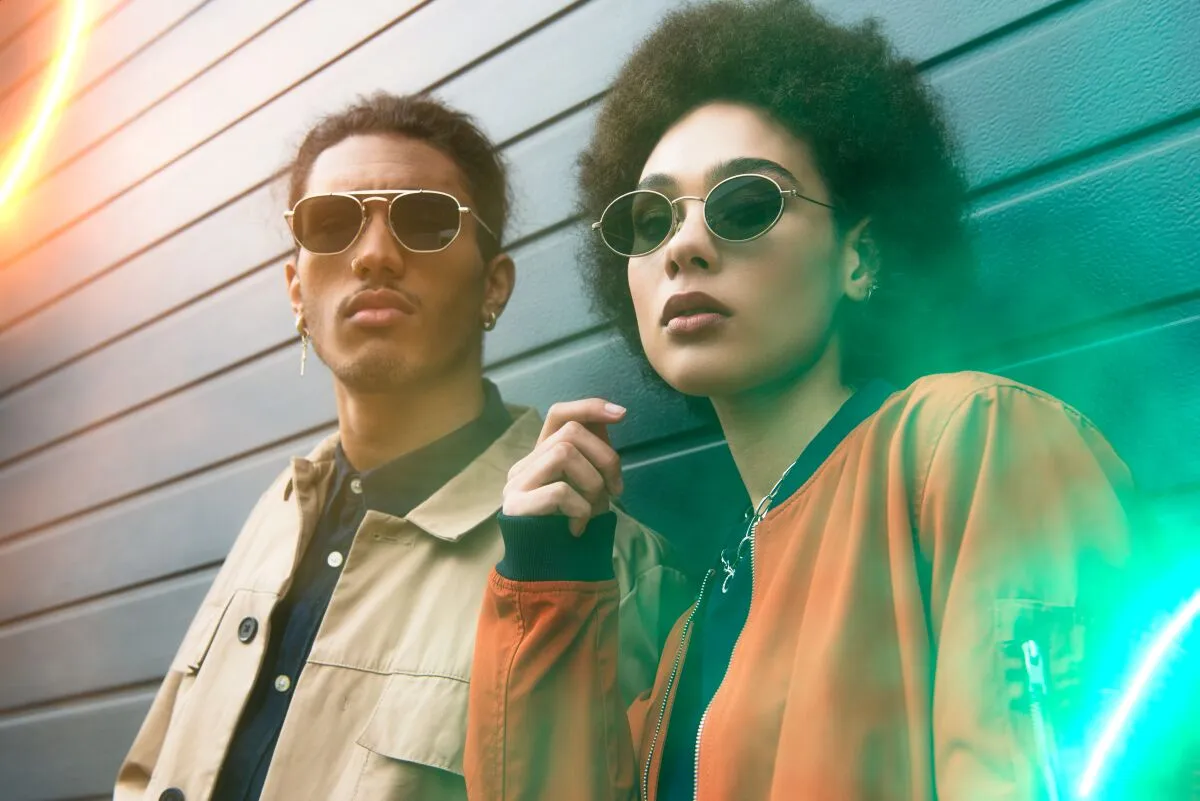
Use the Brush tool to paint stunning neon glows exactly where you need them, adding a cyberpunk or creative light effect to portraits, cityscapes, and more.

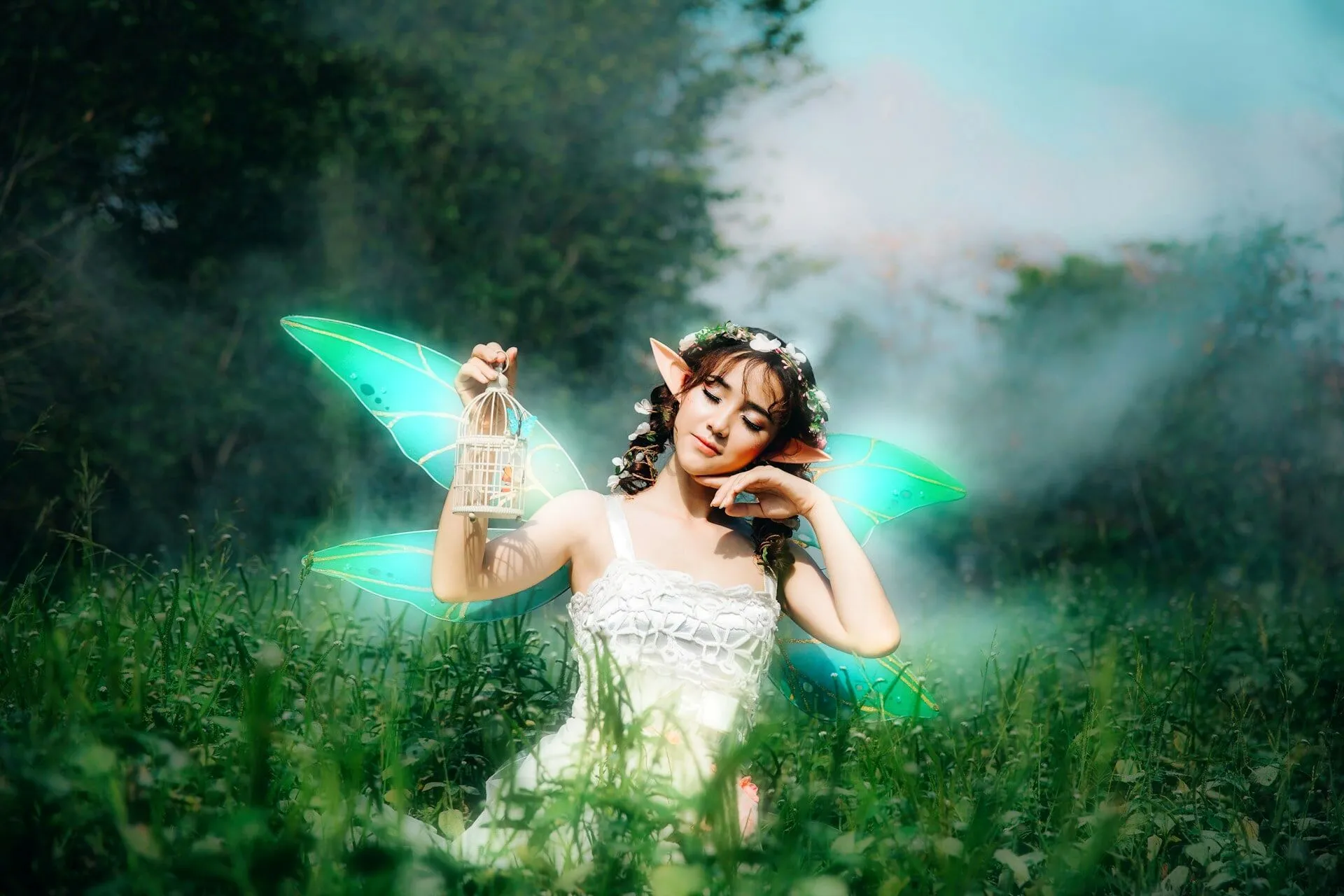
3. Glow – Dreamy, Soft Lighting

Highlight key areas with a magical glow effect, making portraits look ethereal, enhancing bokeh, or adding a cinematic touch to your images.
(4)
(11)
(12)
Before
After
© anthony-tran

Trendy Color Combinations for Your Photos

Use the Luminar Neo brush photo editor to transform your images with stylish and professional-looking color effects. Explore different color combinations by selecting the best match from the reference table below!
(13)
(14)
Before
After

Mocha Mousse (Warm Brown) + Creamy Pastels

Cozy and inviting, perfect for creating a comforting atmosphere in interior photography.
(15)
(16)
Before
After

Cherry Red + Butter Yellow

Energetic and nostalgic, ideal for fashion shoots and retro-themed projects.
(17)
(18)
Before
After

Indigo Aura (Deep Blue) + Violet Pops

Mysterious and creative, suitable for artistic and conceptual photography.
(19)
(20)
Before
After

Burnt Orange + Muted Teal

Earthy and modern, a contemporary look for lifestyle and outdoor photography.
(21)
(22)
Before
After

Dill Green (Earthy Green) + Soft Gray

Natural and calming, perfect for nature and wellness photography.

Discover the Power of the Luminar Neo Brush Tool

Let’s see why the paint brush effect is a must-have for every photographer:

• Smart & Adaptive

The brush intelligently adjusts to each tool, delivering precise edits across a variety of effects.

• Interactive & Intuitive

Simply paint over areas to enhance tones, refine lighting, or apply creative effects with precision.

• Ultimate Control

Shape light, adjust exposure, and refine details with precision—giving you full control over your creative vision.

Why Choose Luminar Neo for Photo Editing

Luminar Neo has lots of features you can use for product editing.
For example, Background Removal AI easily removes the background behind your product:

(23)

Effortless & Intuitive Editing
Enjoy a clean, user-friendly interface designed for both beginners and professionals, Luminar Neo make advanced photo editing accessible to everyone!

(24)

AI-Powered Enhancements
Let AI do the heavy lifting—replace skies, enhance portraits, and refine landscapes with smart, automated tools.

(25)

Advanced Editing Capabilities
Unlock layers, masking, and precision adjustments to fine-tune every detail of your photos with total creative control.

(26)

Cross-Platform Compatibility
Use Luminar Neo on Windows and macOS, or as a Photoshop and Lightroom plugin, ensuring a smooth workflow in any setup.

(27)

Time-Saving Presets for Pro Results
Apply ready-made presets or create your own for fast, consistent, high-quality edits across all your images.

(28)

Constant Innovation & Updates
Stay ahead with regular updates, new features, and cutting-edge tools, keeping your editing experience fresh and powerful.

(29)

feedback

What Creators Say About Luminar Neo

Luminar Neo empowers photographers and artists with AI-assisted tools that speed up workflow while preserving creative expression.

Excellent

(30)
(32)

Product is great

Product is great, provides many awesome features out of the box. When it really shines is Support, who instantly, on Sunday provided me guidance for my specific needs, which was a little beyound standard Luminar Neo program features. I asked for hint how to edit multiple human faces on a photographs and I got reasonable recommendations.

Date of experience: February 09, 2025

(32)

Very good program and a good value

Very good program and a good value. Like any software, there's a learning curve. I replaced Lightroom with this program because I refuse to pay an annual fee. So far, I'm able to do what needs to be done. I'm a semi professional.

Date of experience: February 04, 2025

(32)

I love Luminar Neo for its ease of use…

I love Luminar Neo for its ease of use and pleasing results. I wanted to edit my photos without going through all the steps required by Lightroom. I have used 3 of the Luminar programs so far.My only problem was that Luminar stopped working on my computer (wouldn't boot up). Customer service walked me through the process of cleaning up my computer files so that Neo would work again. I appreciated that!

Date of experience: January 31, 2025

View all Reviews

今学期にインスピレーションを — 強力なAI写真編集が最大75%オフ

永久ライセンス
デスクトップ版

їデスクトップ版Luminar Neo

$ 119

$ 239 .00

1回払い

今すぐ購入する
30日間返金保証

Windows/MacOS用デスクトップ版

$ 119

$ 239

iOS/Android/ChromeOS用モバイルアプリ

Creative Libraryアクセス

100のクリエイティブ アドオン

$ 0

$ 99

Luminar Neo ビデオコース

$ 0

$ 79

Luminar Neo クイックスタートガイド

プレゼント

1年間の無制限アップグレードを含む

最も人気

クロスデバイス
永続ライセンス

デスクトップ版Luminar Neo、iOS、Android、ChromeOS用モバイルアプリ

$ 159

$ 239 .00

1回払い

今すぐ購入する
30日間返金保証

Windows/MacOS用デスクトップ版

$ 119

$ 239

iOS/Android/ChromeOS用モバイルアプリ

$ 40

$ 60

Creative Libraryアクセス

100のクリエイティブ アドオン

$ 0

$ 99

Luminar Neo ビデオコース

$ 0

$ 79

Luminar Neo クイックスタートガイド

プレゼント

1年間の無制限アップグレードを含む

永久
Maxライセンス

デスクトップのLuminar Neo、iOS、Android、ChromeOSのモバイルアプリ、Creative Libraryへのアクセス

$ 179

$ 239 .00

1回払い

今すぐ購入する
30日間返金保証

Windows/MacOS用デスクトップ版

$ 99

$ 239

iOS/Android/ChromeOS用モバイルアプリ

$ 40

$ 60

Creative Libraryアクセス

$ 40

$ 69

Luminar Neo用のプリセット、空、LUT、オーバーレイなど1000以上のクリエイティブ素材と教育用ビデオコースへの1年間のアクセス

100のクリエイティブ アドオン

$ 0

$ 99

Luminar Neo ビデオコース

$ 0

$ 79

Luminar Neo クイックスタートガイド

プレゼント

1年間の無制限アップグレードを含む

ユーザー様から信頼される安心のサポート

注文概要

(35)

永久ライセンス
デスクトップ版

$ 119 .00
$ 239 .00

Windows/MacOSデスクトップ版と、すべての生成AIツールへの1年間のフルアクセス。

100のクリエイティブ アドオン

Luminar Neo ビデオコース

(36)

自動アップグレード

1年後に更新 $ 49 .00

$ 0 .00
$ 49 .00

すべての新しい有料機能を自動で入手。

生成AIツールをすべて自由に利用可能。

1年間無料。その後は料金が発生します。

現在のお支払い総額:
$ 119 .00

注文概要

(35)

クロスデバイス
永続ライセンス

$ 159 .00
$ 299 .00

Windows/MacOSデスクトップ版と、すべての生成AIツールへの1年間のフルアクセス。

iOS/Android/ChromeOS用モバイルアプリ

100のクリエイティブ アドオン

Luminar Neo ビデオコース

(36)

自動アップグレード

1年後に更新 $ 69 .00

$ 0 .00
$ 69 .00

すべての新しい有料機能を自動で入手。

生成AIツールをすべて自由に利用可能。

1年間無料。その後は料金が発生します。

現在のお支払い総額:
$ 159 .00

注文概要

(35)

永久
Maxライセンス

$ 179 .00
$ 368 .00

Windows/MacOSデスクトップ版と、すべての生成AIツールへの1年間のフルアクセス。

iOS/Android/ChromeOS用モバイルアプリ

100のクリエイティブ アドオン

Luminar Neo ビデオコース

(36)

自動アップグレード

1年後に更新 $ 89 .00

$ 0 .00
$ 89 .00

すべての新しい有料機能を自動で入手。

生成AIツールをすべて自由に利用可能。

1年間無料。その後は料金が発生します。

現在のお支払い総額:
$ 179 .00
(44)
(45)
編集前 編集後
(46)
(47)
編集前 編集後
(48)
(49)
編集前 編集後
(50)
(51)
編集前 編集後
(52)
(53)
編集前 編集後
(54)
(55)
編集前 編集後
(56)
(57)
(58)
(59)
(60)
(61)

森林写真マスタークラス

無料

$ 79 .00

解説

世界的に有名な風景写真家のマックス・リヴ氏が、見事な森林の画像を制作するプロセスをガイドします。 Luminar Neo を使って写真の撮影と編集の基本を学びましょう。必要な装備、場所の探索、Google Earth の使用、特定の写真に最適な編集ツールなどに関するヒントを入手します。

あなたが見つけられること

• これら11章の動画で、Luminar Neoを使った風景写真の撮影および編集の基本を学べます。

関連商品

合計: $ 00

割引額 $ 00

今すぐ購入する

合計: $ 00

割引額 $ 00

今すぐ購入する

ハガキ旅行

プリセットパックのクリエーター:Skylum

(62)
(63)
編集前 編集後

プリズム ライト オーバーレイ

オーバーレイ パック Skylumチーム制作

(64)
(65)
編集前 編集後

花の季節

LUT パック by Skylum チーム

(66)
(67)
編集前 編集後

セルフィー

LUT パック by Skylum チーム

(68)
(69)
編集前 編集後

サマー アウトドア

プリセットパックのクリエーター:Skylum

(70)
(71)
編集前 編集後

シンプルに明るいLUT

LUT パック by Skylum チーム

(72)
(73)
編集前 編集後

春のアドベンチャー

LUT パック by Skylum チーム

(74)
(75)
編集前 編集後

夢のような春

プリセットパックのクリエーター:Skylum

(76)
(77)
編集前 編集後

タイニー・フローラ

プリセットパックのクリエーター:Skylum

(78)
(79)
編集前 編集後

空の上に

プリセットパックのクリエーター:Skylum

(80)
(81)
編集前 編集後

ライト・フレア ポートレート

プリセットパックのクリエーター:Skylum

(82)
(83)
編集前 編集後

自然でシャープな風景

プリセットパックのクリエーター:Skylum

(84)
(85)
編集前 編集後

楽しいシェイプ

背景パック by Skylum チーム

(86)
(87)
編集前 編集後

楽園の雲

空 by Skylum チーム

(88)
(89)
編集前 編集後

スノー・ポートレート

プリセットパックのクリエーター:Skylum

(90)
(91)
編集前 編集後
(92)
(93)
(94)
(95)
(96)
(97)
(98)
(99)
(100)
(101)
(102)
(103)
(104)
(105)
(106)

春のアセット コレクション

無料

$ 330 .00

解説

春のコレクションは写真をあなたの周りの自然と同じように美しく輝かせます。70のプリセット、35の空、45のLUT、5つの背景および、15のオーバーレイが含まれるこのコレクションは写真に優しいフレッシュさを加えます。

あなたが見つけられること

• 10 Presets in Postcard Travel Pack to recreate the perfect feeling of carefree traveling in your photos. • 10 Overlays in Prism Light to add an interesting light effect or make the subject stand out in new ways. • 8 LUTs in Blossom Season to bring out the very best in your springtime images. • 15 LUTs in Selfie to give your photos that perfect Instagram-ready look and add unique styles to your selfies. • 10 Presets in Summer Outdoors to easily give your photos a nostalgic feeling and vintage vibe. • 12 LUTs in Simply Bright to add a fresh and minimalistic look to your portraits and landscape photography. • 10 LUTs in Spring Adventure to make your photos bloom as beautifully as the nature around you. • 10 Presets in Dreamy Spring to bring the tender freshness of springtime to your photos. • 10 Presets in Tiny Flora to bring life to your macro photos, and transform shots into photos with extraordinary moods. • 10 Presets in In the Air to make any drone photo — or simply shots from above — look like a magazine spread. • 10 Presets in Light Flare Portraits to make a portrait look more natural and vibrant to dramatic changes for street photography. • 10 Presets in Natural Sharp Landscapes to experiment with different effects — from built-in fog to cozy sunset light and from bright to moody. • 5 Backgrounds and 5 Overlays in Fun Shapes to create joyful images and instantly make your ordinary photo eye-catching. • 25 Skies in Clouds in Paradise to help you easily create stunning, peaceful photos with the perfect atmosphere. • 10 Skies in Soulful Panoramas to add a nostalgic and heartwarming atmosphere to your photos.

関連商品

合計: $ 00

割引額 $ 00

今すぐ購入する

合計: $ 00

割引額 $ 00

今すぐ購入する

神秘的なバリの夕陽

空 パック by Skylum チーム

(107)
(108)
編集前 編集後

素晴らしい冒険

プリセットパックのクリエーター:Skylum

(109)
(110)
編集前 編集後

神秘的なバリの夕陽

空 パック by Skylum チーム

(111)
(112)
編集前 編集後

素晴らしい冒険

プリセットパックのクリエーター:Skylum

(113)
(114)
編集前 編集後

神秘的なバリの夕陽

空 パック by Skylum チーム

(115)
(116)
編集前 編集後

素晴らしい冒険

プリセットパックのクリエーター:Skylum

(117)
(118)
編集前 編集後
(119)
(120)
(121)
(122)
(123)
(124)

10の空 + 10のプリセット

無料

解説

Skylumチーム によってデザインされた10枚の空と10種類のプリセット。プロの写真家でも、素敵な写真を撮りたいアマチュアでも、「神秘的なバリの夕陽」の空はあなたにぴったりです。風景写真用の「素晴らしい冒険」のプリセットで、自然の美しさを写真で表現できます。

あなたが見つけられること

• 「神秘的なバリの夕陽」の空は、雄大な夕陽から嵐の後の神秘的なシーンまで、写真にさらなるゴージャスさを加えます。 • 「素晴らしい冒険」から10種類の素晴らしいプリセットを使って、思い出に残る旅の写真を作れます。

関連商品

合計: $ 00

割引額 $ 00

今すぐ購入する

合計: $ 00

割引額 $ 00

今すぐ購入する

素晴らしい冒険

プリセットパックのクリエーター:Skylum

(125)
(126)
編集前 編集後

スノー・ポートレート

プリセットパックのクリエーター:Skylum

(127)
(128)
編集前 編集後

大胆なコーポレート

LUT by Skylum チーム

(129)
(130)
編集前 編集後

トラベルブロガー

LUT by Skylum チーム

(131)
(132)
編集前 編集後

Cozy Kinfolk

プリセットパックのクリエーター:Skylum

(133)
(134)
編集前 編集後

自然でシャープな風景

プリセットパックのクリエーター:Skylum

(135)
(136)
編集前 編集後

アイスランドの魅力

プリセットパックのクリエーター:Skylum

(137)
(138)
編集前 編集後

ライト・フレア ポートレート

プリセットパックのクリエーター:Skylum

(139)
(140)
編集前 編集後

シネマティック・ウェディング

プリセットパックのクリエーター:Skylum

(141)
(142)
編集前 編集後

花の季節

LUT パック by Skylum チーム

(143)
(144)
編集前 編集後

ヨーロッパ旅行

プリセットパックのクリエーター:Skylum

(145)
(146)
編集前 編集後

色々な背景

プリセットパックのクリエーター:Skylum

(147)
(148)
編集前 編集後

空の上に

プリセットパックのクリエーター:Skylum

(149)
(150)
編集前 編集後

楽園の雲

空 by Skylum チーム

(151)
(152)
編集前 編集後

レトロ風 LUT

LUT by Skylum チーム

(153)
(154)
編集前 編集後
(155)
(156)
(157)
(158)
(159)
(160)
(161)
(162)
(163)
(164)
(165)
(166)
(167)
(168)
(169)

アニバーサリー コレクション

無料

$ 330 .00

解説

アニバーサリー コレクション セットで写真をさらにグレードアップ。 35枚の空、80種類のプリセット、39種類のLUT、10種類のオーバーレイなど、クリエイティブなビジョンを強化するさまざまなアセットが特徴です。魅惑的な雰囲気に浸り、ユニークなエフェクトを試し、簡単にプロのような仕上がりにできます。

あなたが見つけられること

• 10 magnificent Skies in Soulful Panoramas to add a nostalgic and heartwarming atmosphere to your photos. • 25 blue Skies in Clouds in Paradise to easily create stunning, peaceful photos with the perfect atmosphere. • 5 Backgrounds and 5 Shapes Overlays in Fun Shapes to instantly make your ordinary photo eye-catching. • 10 inspiring Presets in Natural Sharp Landscapes for you to experiment with effects from built-in fog to cozy sunset light. • 10 eye-catching Presets in Light Flare Portraits that make a portrait look more natural to dramatic changes for street photography. • 10 fantastic Presets from In the Air for aerial photography taken from up high, you’ll make any photo look like a magazine spread. • 10 incredible Presets in Fantastic Adventure to give you an unforgettable effect, so try them out today on your photos from recent travels. • 10 one-click Presets in European Travels to achieve stunning shots in any lighting or environment. • 10 cute Presets in Cozy Kinfolk for your lifestyle, portrait, and other indoor photos to make your photos warm and inviting. • 10 atmospheric Presets in Cinematic Wedding to make that special day stand out with unusual retro effects and captivating film looks. • 10 amazing Presets in Call of Iceland to highlight the beauty of vast natural landscapes. • 16 color grading LUTs in Travel Blogger to help you enhance your travel and street style photos taken in any conditions. • 8 unique LUTs in Blossom Season to provide you with subtle yet powerful effects that bring out the very best in your springtime images. • 5 original LUTs in Bold Corporate designed for images that need refinement—whether it's for a website, print, or social media. • 10 retro LUTs in Retro Vibe provide vintage-style color grading and will give your photos the perfect atmosphere.

関連商品

合計: $ 00

割引額 $ 00

今すぐ購入する

合計: $ 00

割引額 $ 00

今すぐ購入する
(170)

プリズム ライト オーバーレイ

オーバーレイ パック Skylumチーム制作
(171)

実験的なオーバーレイ

オーバーレイ パック Skylumチーム制作
(172)

日出ずる国

プリセットパックのクリエーター:Skylum
(173)

キャンプの旅

プリセットパックのクリエーター:Skylum
(174)

ここは地球?

プリセットパックのクリエーター:Skylum
(175)

ラテン アメリカ探検

プリセットパックのクリエーター:Skylum
(176)

アフリカ探検

プリセットパックのクリエーター:Skylum
(177)

アメリカン・ドリーム

プリセットパックのクリエーター:Skylum
(178)

中東民話

プリセットパックのクリエーター:Skylum
(179)

素晴らしいスカンジナビア

プリセットパックのクリエーター:Skylum
(180)
(181)
編集前 編集後
(182)
(183)
編集前 編集後
(184)
(185)
編集前 編集後
(186)
(187)
編集前 編集後
(188)
(189)
編集前 編集後
(190)
(191)
(192)
(193)
(194)

プリズム ライト オーバーレイ

オーバーレイ パック Skylumチーム制作

さまざまな色のきらめきやフレアを含むJPEG 形式の10種類のオーバーレイを使って、雰囲気のある写真を作成できます。Luminar Neoのレイヤーやポートレート背景削除ツールと組み合わせて、あらゆるジャンルの写真でお楽しみいただけます。わずか数クリックで、面白い照明効果を追加したり、新しい方法で被写体を目立たせられます。お試しください!

(195)
(196)
編集前 編集後
(197)
(198)
編集前 編集後
(199)
(200)
編集前 編集後
(201)
(202)
編集前 編集後
(203)
(204)
編集前 編集後
(205)
(206)
(207)
(208)
(209)

実験的なオーバーレイ

オーバーレイ パック Skylumチーム制作

あなたの写真に何か特別なタッチを加えてみませんか?これらのJPEG形式の10種類の実験的オーバーレイをご覧ください。Luminar Neoのレイヤー機能で簡単に使って、あらゆる写真を視線を惹きつけるものに変えることができます。さまざまな色や形の10種類の魅惑的なエフェクトから選択し、数クリックでユニークな雰囲気を演出。ピンクの色相から金色の円まで、次の傑作にぴったりなオーバーレイがきっと見つかります。

(210)
(211)
編集前 編集後
(212)
(213)
編集前 編集後
(214)
(215)
編集前 編集後
(216)
(217)
編集前 編集後
(218)
(219)
編集前 編集後
(220)
(221)
(222)
(223)
(224)

日出ずる国

プリセットパックのクリエーター:Skylum

日本旅行で撮った写真や、和の雰囲気を出したい写真を素敵に。風景から象徴的な名所、食べ物の写真まで、このパックは驚くほど多用途です。

(225)
(226)
編集前 編集後
(227)
(228)
編集前 編集後
(229)
(230)
編集前 編集後
(231)
(232)
編集前 編集後
(233)
(234)
編集前 編集後
(235)
(236)
(237)
(238)
(239)

キャンプの旅

プリセットパックのクリエーター:Skylum

キャンプやハイキングの写真を最高なものにするよう作られたこれらの10種類のプリセットは、屋外の写真を自然で鮮やかにします。雄大な山々の写真や、居心地の良いキャンプファイヤーの写真も、ワン・クリックでベストな仕上がりにします。


(240)
(241)
編集前 編集後
(242)
(243)
編集前 編集後
(244)
(245)
編集前 編集後
(246)
(247)
編集前 編集後
(248)
(249)
編集前 編集後
(250)
(251)
(252)
(253)
(254)

ここは地球?

プリセットパックのクリエーター:Skylum

ここはまだ地球、それとも他の星?この10種類の素晴らしいプリセット コレクションは、風景写真を幻想的で別世界のような雰囲気に仕上げます。平凡な風景を鮮やかな色彩で超現実的なシーンに変え、見る人を釘付けにしてください。


(255)
(256)
編集前 編集後
(257)
(258)
編集前 編集後
(259)
(260)
編集前 編集後
(261)
(262)
編集前 編集後
(263)
(264)
編集前 編集後
(265)
(266)
(267)
(268)
(269)

ラテン アメリカ探検

プリセットパックのクリエーター:Skylum

これら10種類のプリセットを使って、映画のようにラテン アメリカの国々を巡る旅を体験してください。風景用にデザインされ、旅の写真にぴったりのコレクションで、美しさを際立たせ写真にセンスを加えましょう。


(270)
(271)
編集前 編集後
(272)
(273)
編集前 編集後
(274)
(275)
編集前 編集後
(276)
(277)
編集前 編集後
(278)
(279)
編集前 編集後
(280)
(281)
(282)
(283)
(284)

アフリカ探検

プリセットパックのクリエーター:Skylum

素晴らしいアフリカ大陸に特化したこのパックには、ポートレート写真と風景写真の両方のさまざまなプリセットが組み合わされています。ランドマーク、サファリショット、建築写真、アフリカ旅行中に出会った人々のポートレートを際立たせます。


(285)
(286)
編集前 編集後
(287)
(288)
編集前 編集後
(289)
(290)
編集前 編集後
(291)
(292)
編集前 編集後
(293)
(294)
編集前 編集後
(295)
(296)
(297)
(298)
(299)

アメリカン・ドリーム

プリセットパックのクリエーター:Skylum

アメリカ旅行の写真を素晴らしいものにしましょう。有名な都市のランドマーク、国立公園、よくある都市景観の写真を素敵に。これらの10種類の素晴らしいプリセットを使うと数クリックで、あらゆる驚きの効果を実現できます。


(300)
(301)
編集前 編集後
(302)
(303)
編集前 編集後
(304)
(305)
編集前 編集後
(306)
(307)
編集前 編集後
(308)
(309)
編集前 編集後
(310)
(311)
(312)
(313)
(314)

中東民話

プリセットパックのクリエーター:Skylum

10種類のプリセットからなるこの魅力的なコレクションは、中東の風景、建築、ストリート スタイル、自然の神秘的な美しさを引き出すように作られています。暖色系、濃い黄色、青と金色など、あなたの写真にぴったりのプリセットがきっと見つかります。


(315)
(316)
編集前 編集後
(317)
(318)
編集前 編集後
(319)
(320)
編集前 編集後
(321)
(322)
編集前 編集後
(323)
(324)
編集前 編集後
(325)
(326)
(327)
(328)
(329)

素晴らしいスカンジナビア

プリセットパックのクリエーター:Skylum

北欧諸国の旅行写真にぴったりな、10種類の汎用的プリセットの素晴らしいコレクションをご覧ください。牧歌的な風景、自然の驚異、美しい建築物などのスカンジナビアのムードを捉えられます。旅の準備を整えましょう!

Luminar Neo ビデオコース

コースについて
学べること?
プロセスを見る
このような写真をゲット
クリエーター

Luminar Neoのクリエイティブな写真編集テクニック

by Albert Dros(アルバート・ドロス)

10のチュートリアル動画

12種類の厳選されたプリセットが含まれます

クリエイティブ編集のチュートリアルが含まれます

オランダの風景写真家アルバート・ドロス(Albert Dros)がこのコースに参加し、独自の写真のための計画から作成までの並外れた情熱を共有。これら10の動画で、写真の良し悪しについての洞察を得られます。アルバートは、編集テクニックのステップを順を追って解説。さらに、特別ボーナスとして、魅力的な画像作成に役立つ、アルバート・ドロス厳選の12種類のプリセット無料パックも含まれます。 彼の専門的な指導を受けて、息を呑むような風景写真の秘密を解き明かし、あなたの写真を素晴らしい傑作に変えましょう。
img

紹介&コース概要

Albert Drosの自己紹介と、写真について学べることを簡単に説明します...

img

写真入門

ベストな仕上がりのためには、写真を撮るときに何に注目すべき?

img

基本の編集

AlbertがLuminar Neoのレイアウトと、あっという間に素敵な写真を作るための基本的ツールを紹介します。

img

高度な編集

Albert がLuminar Neoのより高度なツールと、それらを使った写真の際立たせ方を詳しく説明します。

img

ドラマチックな編集

写真でクリエイティブに!Albertがよりクリエイティブなツールを使って編集し、写真のドラマチックな側面を引き出し、新しい命を吹き込みます。

img

フォーカス スタッキング

Luminar Neoには、さらに印象的な仕上がりにできる拡張機能があります。この動画では、Luminar Neoのフォーカス スタッキング 拡張機能を使ってて焦点合成の方法を学べます。

img

都市景観

都市景観写真の良し悪しとは?普通のドバイの写真を印象的な写真に変える方法をご覧ください。

img

森林

Albertが独特の印象的な森の写真を作成するために使う、Luminar Neo ツールを見つけよう。アトモスフィア AI、太陽光、その他のツールをご覧ください!

img

プリセット

プリセットを使って、写真の素早くて面白いカラー 編集方法を学べます。 Albert がプリセットでさらに美しい森の写真を作る方法をご紹介します。

img

コース 要約

このコースで学んだすべての内容のまとめ。楽しい創作を!

編集前 編集後
編集前 編集後
編集前 編集後
編集前 編集後
編集前 編集後

Albert Dros(アルバート・ドロス)

写真家、ライター、教育者

Albert Dros(アルバート・ドロス)はオランダの風景写真家で、ユニークな写真を作りだすことに並々ならぬ情熱を注いでいます。火山、日食などのユニークな自然の持つ側面が彼を魅了します。彼は単に写真を撮りに行くだけではありません。

"Go big or go home" is his motto, always trying to add some unique element to his shots.

彼の作品は世界的に認知されており、世界中の主要メディアで取り上げられています。

アルバートは写真教育者としてだけでなく、個人的なプロジェクトのためにもよく旅行します。オランダにいても、彼の写真を撮るインスピレーションは衰えることはありません。

ログインして特別価格を確認する

Luminar Neo をお得意様割引で購入するために、Skylum製品の購入履歴を確認しよう。

ログインして特別価格を確認する

Luminar Neo をお得意様割引で購入するために、Skylum製品の購入履歴を確認しよう。

特別ロイヤルティ割引をご利用ください

お使いのSkylum製品に紐付けされた電子メールを入力して購入履歴を証明し、ロイヤルティ割引で Luminar Neoを購入してください。

ご購入はお早めに!

お好みのプランを30% 引でご利用いただけます。プロモーション コードは24 時間のみ有効です。この限定セールをお見逃しなく!

© Cuma Cevik
(346)

2023/24
クリエイティブ ジャーニー パス

機能拡張パッケージ 期間限定アップグレード

生成 AI 機能

ジェネ消去、ジェネ拡大、ジェネ変換

2025年1月1日までアクセス可能

プラットフォーム機能のアップグレード

スタジオライト、ネオン&グロー、ウォーターエンハンサー

無制限で永久にアクセス可能

すべてのアップデートと新機能

無制限で永久にアクセス可能(2025年1月1日以前にリリースされたもの)

Explore Other Features

Luminar Neo has plenty of other features to help you edit faster and easier
(347)
Color Photo Editor
(348)
(349)
Before
After
© Hanna

Color Photo Editor

Breathe new life into your images by adjusting their colors and tones or create a specific mood.
(350)
Skinny Face
(351)
(352)
Before
After
© Ksenia Kazak

Skinny Face

Discover Luminar Neo's Slim Face feature and revolutionize your photos with just a slide! Try it now!
(353)
Whiten Teeth
(354)
(355)
Before
After
© Stockbusters

Whiten Teeth

Transform your smile with Luminar Neo! Brighten your teeth and achieve a flawless, picture-perfect grin.
(356)
Body Editor
(357)
(358)
Before
After
© Ksenia Kazak

Body Editor

Transform your body's appearance naturally with our advanced body editor. Try it now!
(359)
Remove People From Photos
(360)
(361)
Before
After
© Erase_Melinda

Remove People From Photos

Easily erase unwanted people from your pictures, making those crowded tourist spots or accidental photo-bombers disappear.
(362)
Blend Two Images
(363)
(364)
Before
After
© shutterstock

Blend Two Images

Elevate your photography to new heights by seamlessly blending two images

Frequently Asked Questions

Can I use the Brush tool with all the features of Luminar Neo?

Yes! You can find the Brush tool in most of the editing tools available in Luminar Neo. The only exceptions are tools that automatically detect and select objects in your photo.

How does the Brush tool improve color editing?

The paint brush overlay lets you apply color edits locally, so you can highlight certain areas, fix uneven tones, or create artistic effects without changing the entire image.

Can I add neon effects with the Brush tool?

Absolutely! With the Brush tool, you can paint bright neon highlights exactly where you want them. Perfect for cyberpunk portraits, cityscapes, and creative lighting effects.

Can I undo or refine brush strokes?

Absolutely. You can adjust or erase brush strokes anytime and use the healing brush tool to smooth out details and correct small flaws instantly.
(365)