
Download the app
Scan the QR code from iPhone or iPad and try Luminar Mobile
Enter your email below to receive a direct link to download Luminar Mobile from the App Store:
meet the product
An intuitive interface for seamless workflow
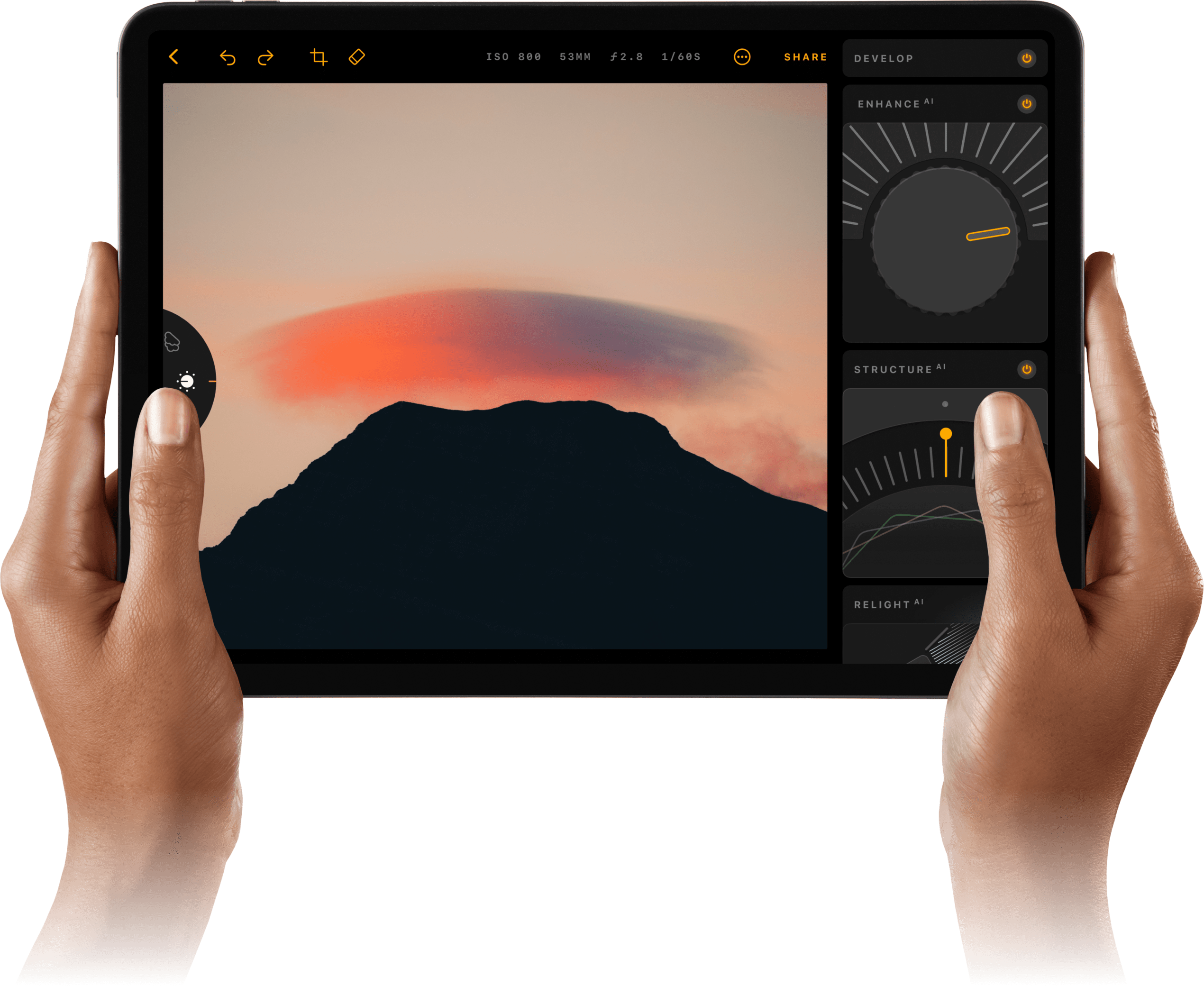
Take a sneak peek at our iPad photo editor
High-level editing anytime, anywhere
Enjoy our innovative interface with sound effects
Snap photos, edit and share
Unlock a new way to interact with the Apple Pencil
AI features
Smart photo enhancements, powered by AI
features
All your editing needs
within one powerful app
Explore your new photo editing iPad capabilities
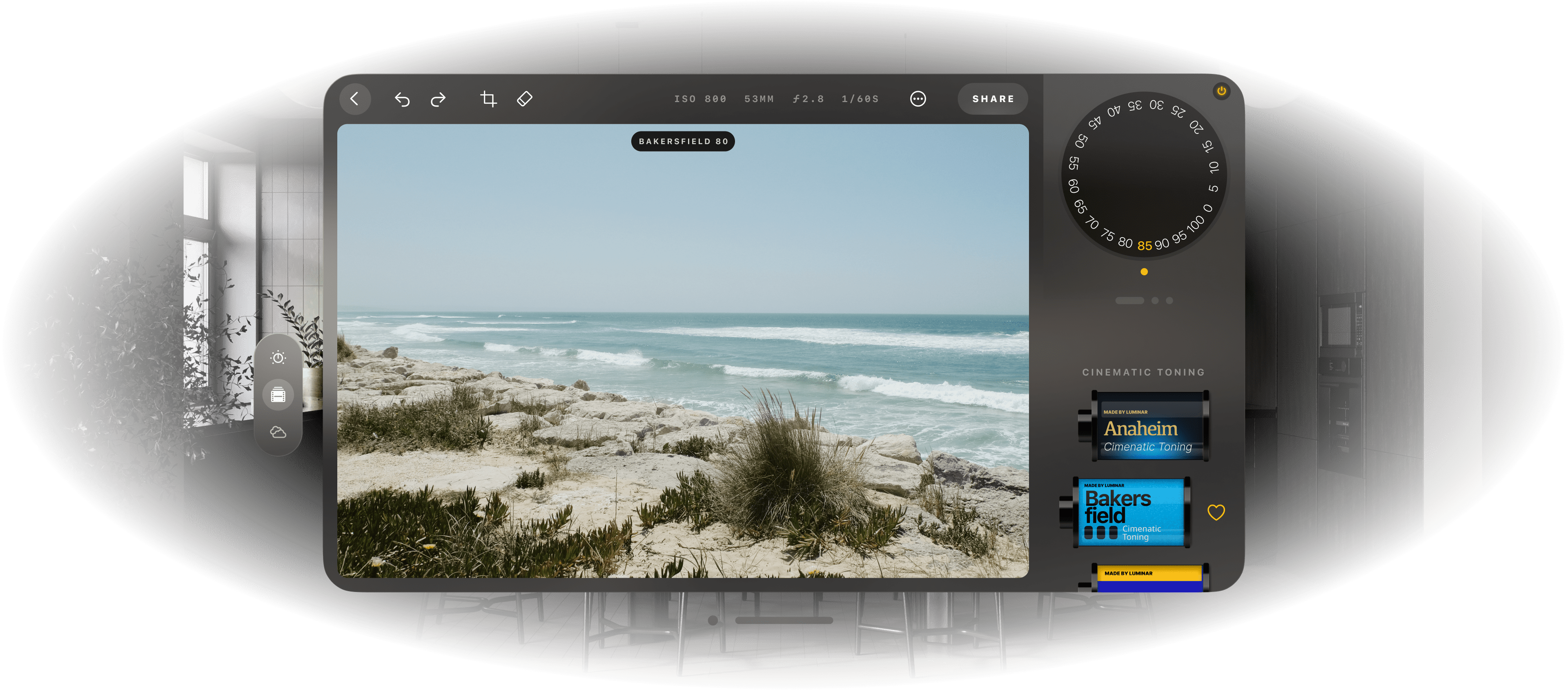
Filters
Explore a collection
of unique effects and styles
Develop tool
Adjust the color and tone of your photos
with the most essential controls
Monochrome
Convert a colored photo to black and white
Erase
Effortlessly remove imperfections
Landscape
Enhance golden hour light,
brighten foliage or apply dehaze
Crop
Easily trim, align, flip and rotate images
for a desired composition
Curves
Brighten, darken, add contrast or shift colors
Details
Create dramatic photos
with crystal-clear sharpness
check the results
Professional-quality results in a snap
innovations for you
Vision Pro support
for your creative journey
Use it with your new Vision Pro to make your
photo editing even more immersive
OS version: 17 and newer. Note that owners of older devices may encounter feature limitations.
Currently, Luminar Mobile has features for adjusting color and tone, applying unique and fast Filter effects, erasing and cropping, using curves, converting to black and white, and enhancing landscapes. Plus, it has an array of powerful AI-based features for enhancing photos in one click, replacing skies, unlocking details, and relighting a photo with content-aware technology. There’s more to come!
Of course! Our iPad photo app is easy to use and delivers professional-level results, making it perfect for beginners.
The Luminar Mobile photo editing app supports all the files that are natively supported by iPadOS and can be viewed in Apple Photos. Check this list of supported cameras by Apple Photos.
The current iPad image editor pricing plans include subscriptions for 1 month, 6 months, 12 months. There’s also a 7-day free trial.
Here you’ll find the user guide for Luminar Mobile.
RAM acts as a temporary workspace for your device, and having more RAM allows you to handle larger and more complex images without encountering performance issues. Check your supported RAM capacities here.
Luminar brings Skylum’s AI-powered editing to iPad through Luminar Mobile, giving you powerful tools in a fast, touch-friendly interface. It combines high-quality photo editing, intuitive controls, and AI features that make complex adjustments simple, so you can achieve professional results directly on iPad.
Luminar on iPad is ideal for photographers, travelers, and content creators who want serious editing power in a portable format. It’s great for beginners who want easy, guided tools and for experienced photographers who need a flexible mobile workflow alongside desktop editing.
Photographers trust Luminar on iPad because it’s built by Skylum, a company known worldwide for advanced AI photo editing software. It delivers reliable image quality, non-destructive editing, and creative control, while fitting seamlessly into a broader Luminar desktop and cross-device workflow.
Download the app
Scan the QR code from iPhone or iPad and try Luminar Mobile
Enter your email below to receive a direct link to download Luminar Mobile from the App Store: