
 View plans
Landscape Photo Editor With Epic Touches
Editing landscape photos is more than just correction; it’s storytelling. With Luminar, you can turn your raw shots into breathtaking scenes and focus purely on your creative vision.
VIEW PLANS

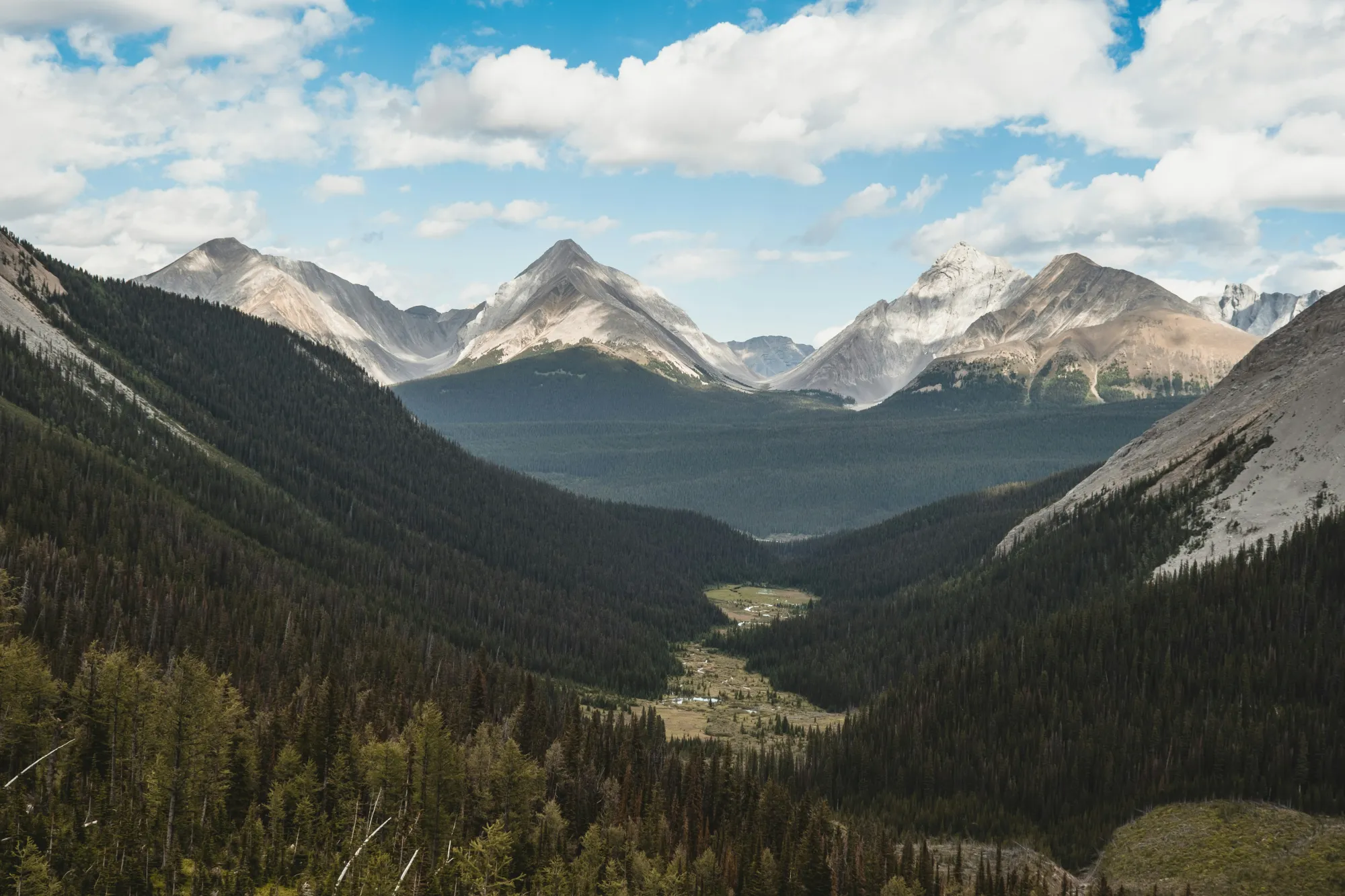
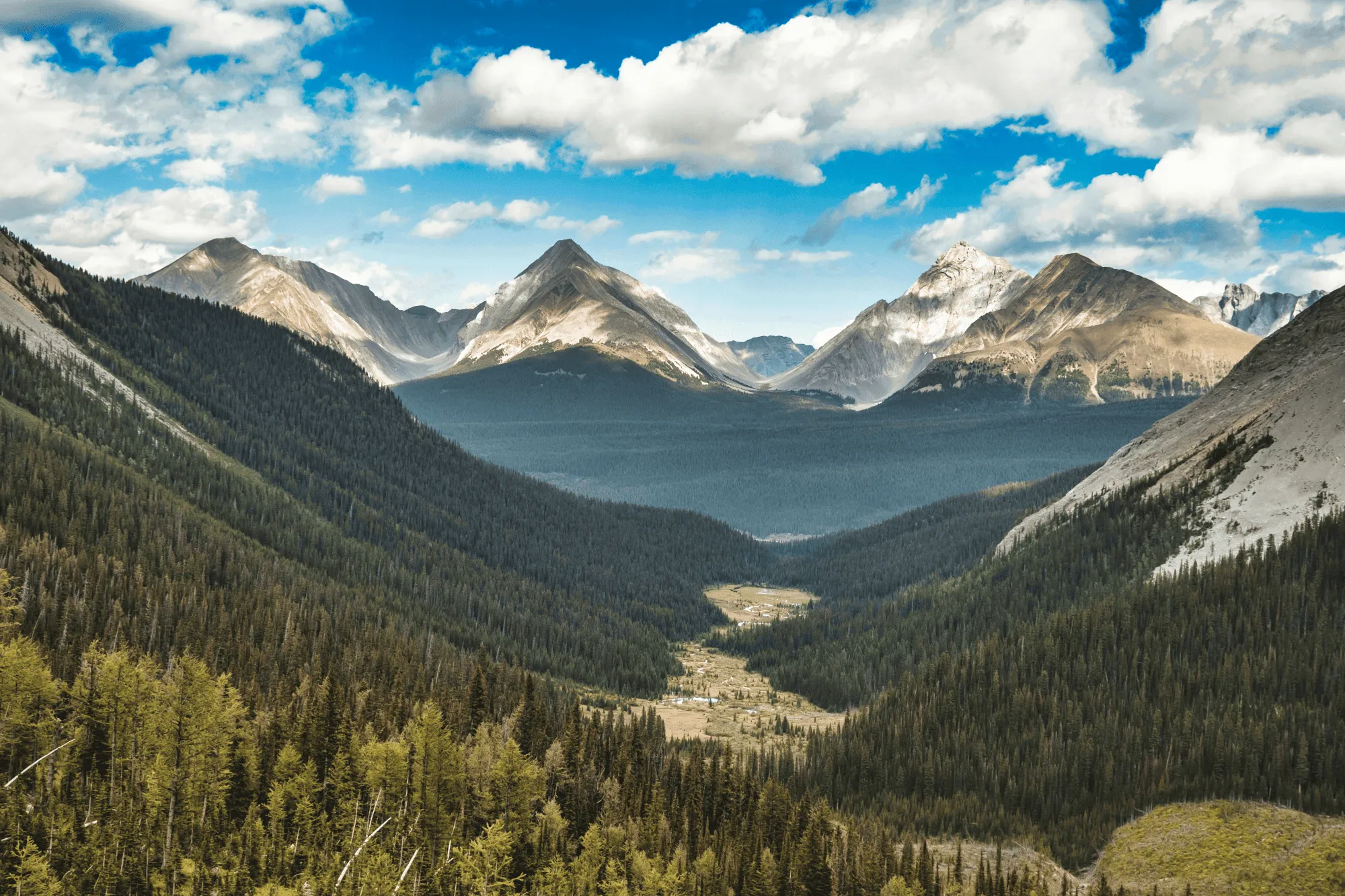
Perfect Light and Color with EnhanceAI
Field conditions aren’t always ideal, but Luminar helps you make the most of them.
EnhanceAI, a smart landscape photo enhancer, detects lighting and color issues in your image and builds a custom brightness map to balance tones across the entire frame to create a result that looks clean, yet natural.
EnhanceAI, a smart landscape photo enhancer, detects lighting and color issues in your image and builds a custom brightness map to balance tones across the entire frame to create a result that looks clean, yet natural.
Command the Heavens with AI
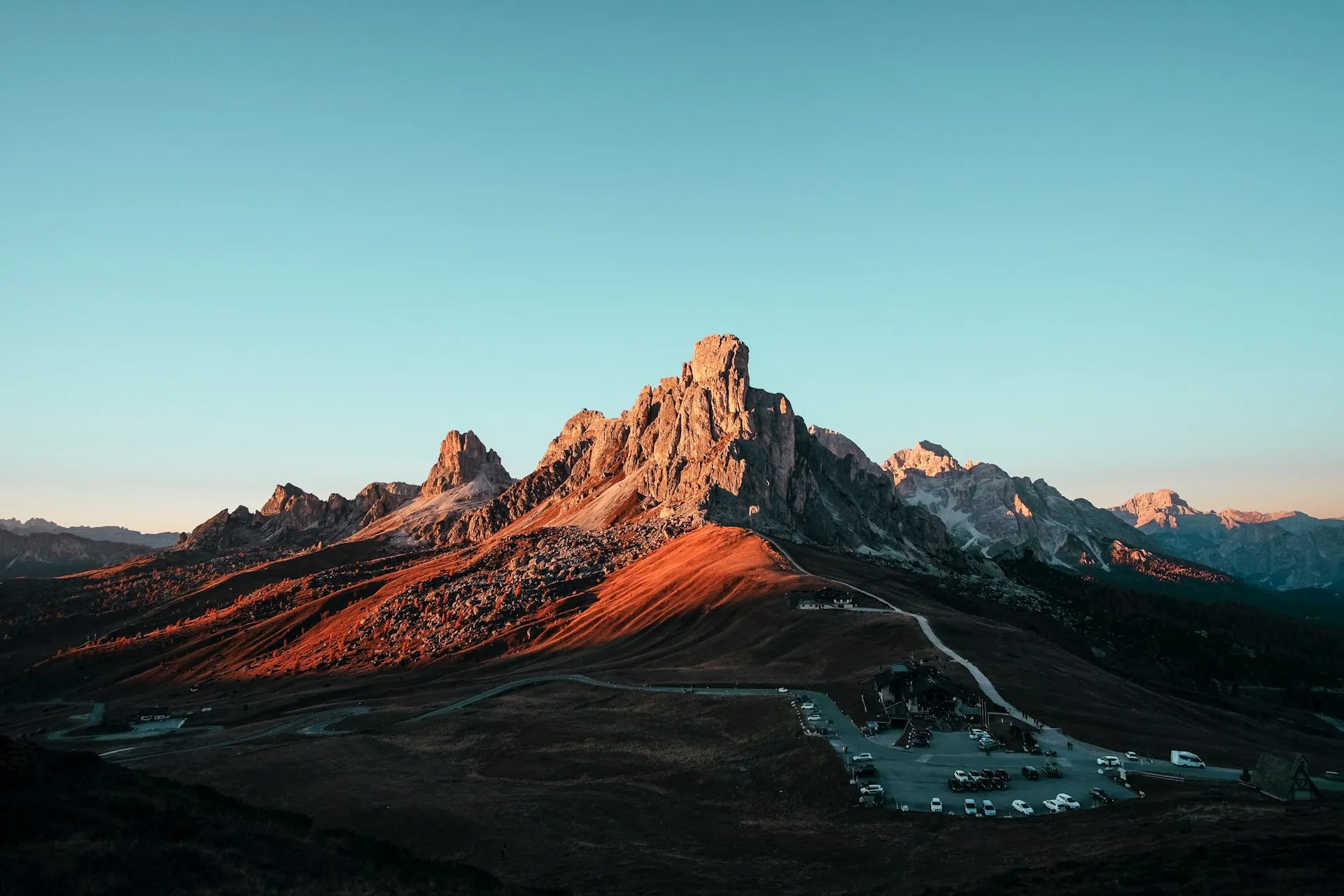
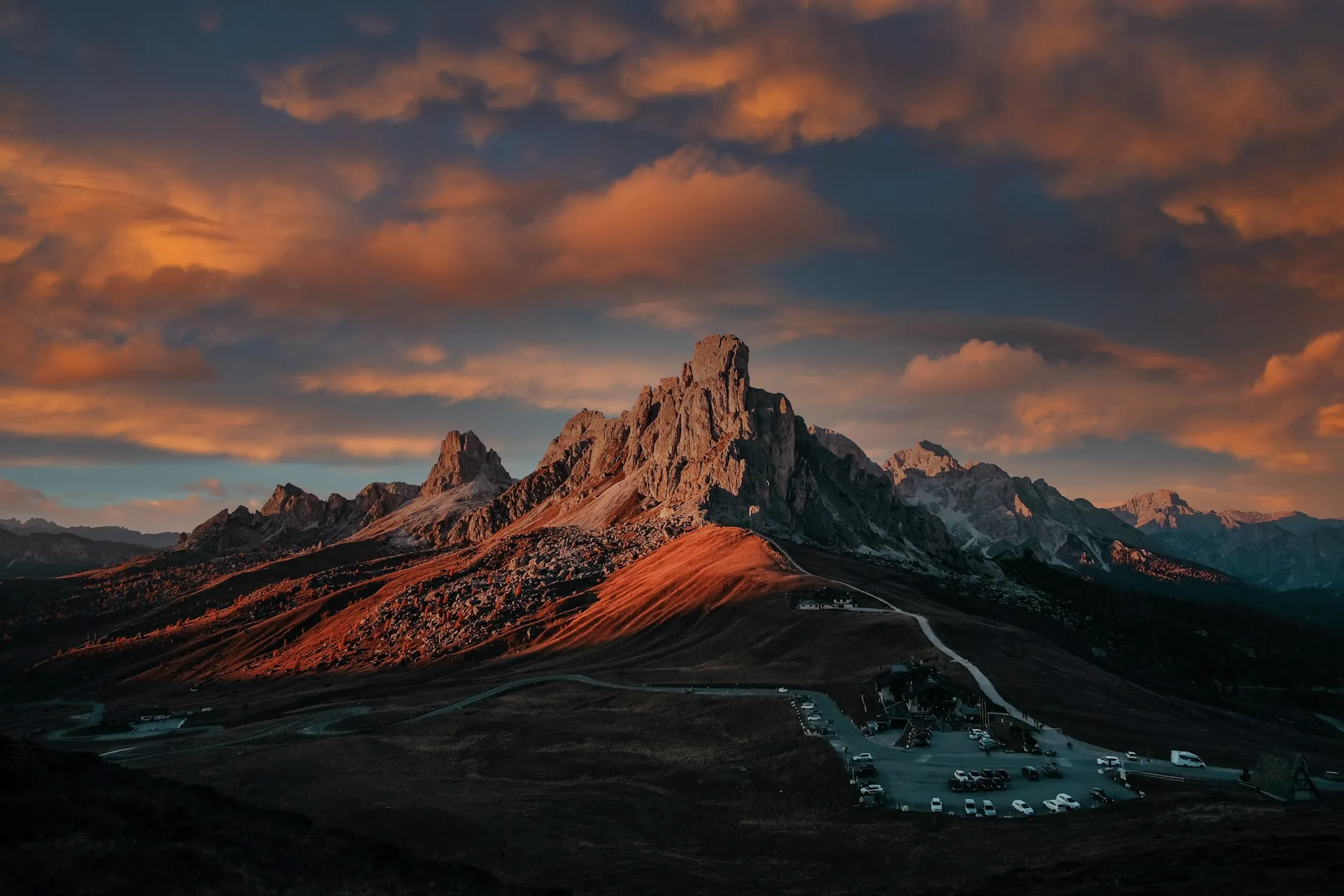
After balancing light and color across your scene, take your scenery edit further with SkyAI. Make subtle adjustments to existing skies or replace them altogether.
Either way, SkyAI makes skies pop and, as needed, relights the landscape to match.
Either way, SkyAI makes skies pop and, as needed, relights the landscape to match.

© Jim Nix
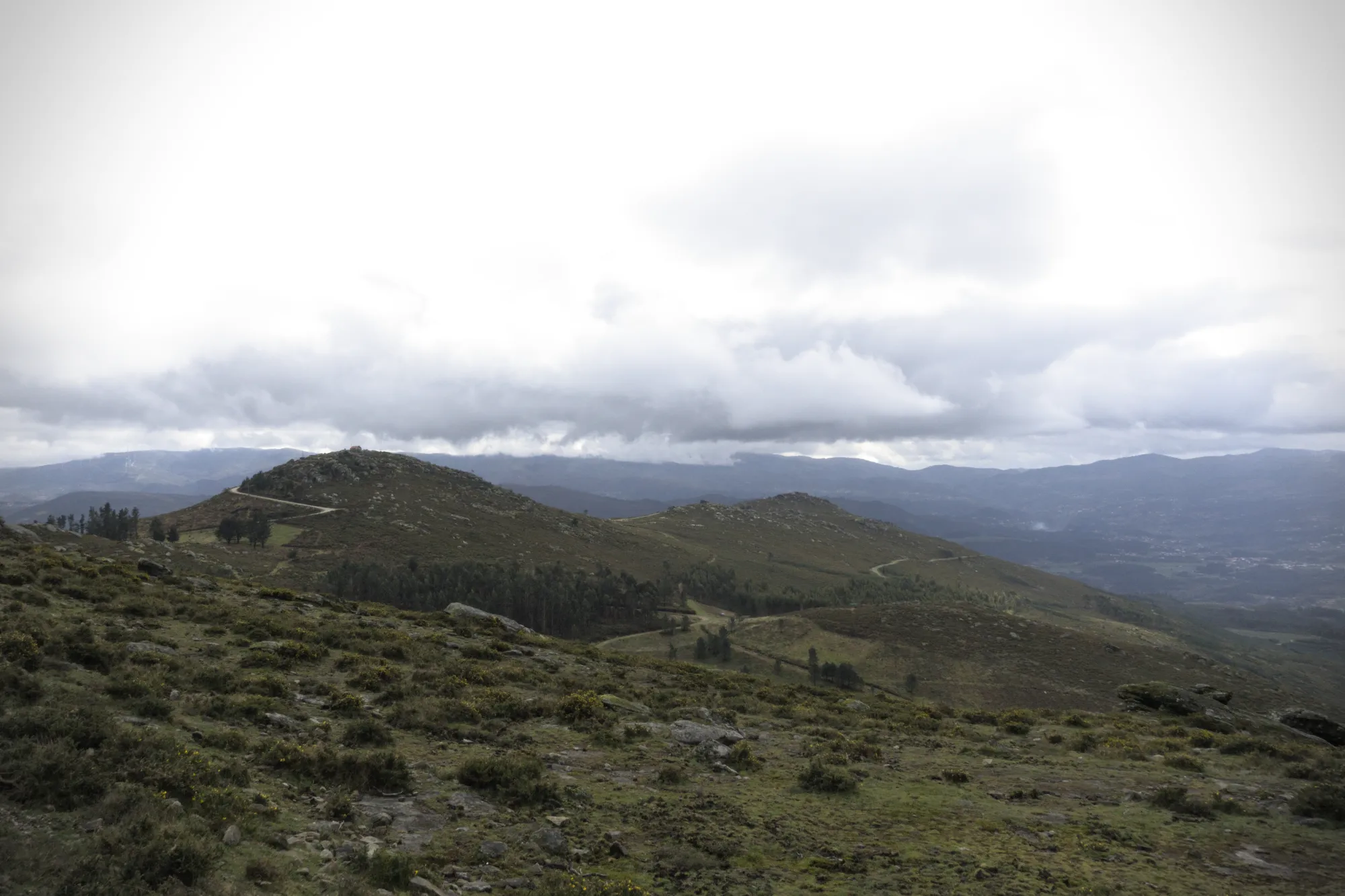
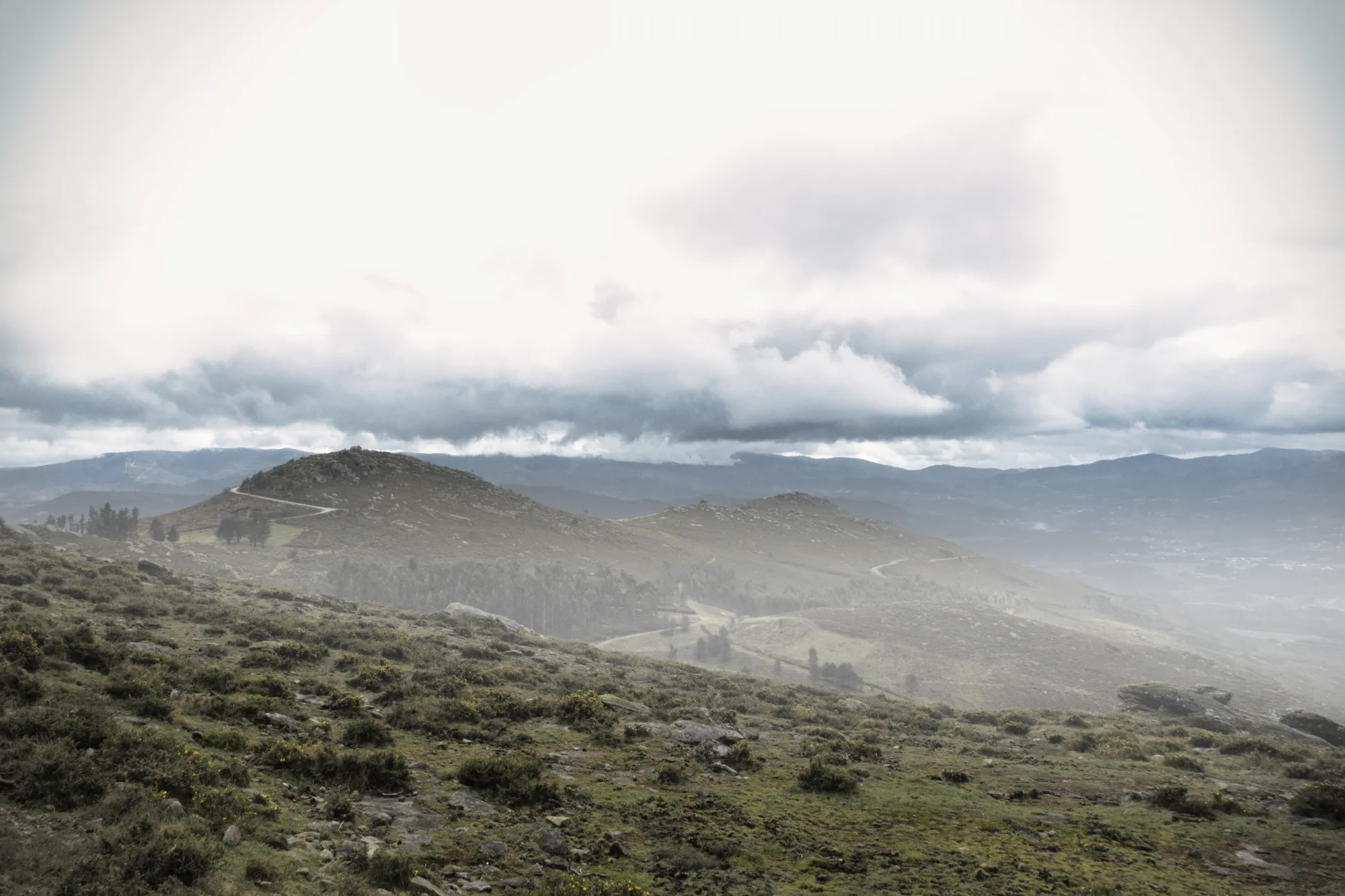
Add Depth with Realistic Atmospheric Effects
When editing nature photos, it’s the subtle touches that bring a scene to life. AtmosphereAI uses a 3D depth map to create natural effects like fog and haze that follow the landscape’s contours. With spatial awareness and variable density, it adds rich dimension, without overwhelming your image.
Perfect Frames with CompositionAI
No landscape photo manipulation is complete without a well-aligned, thoughtfully framed shot.
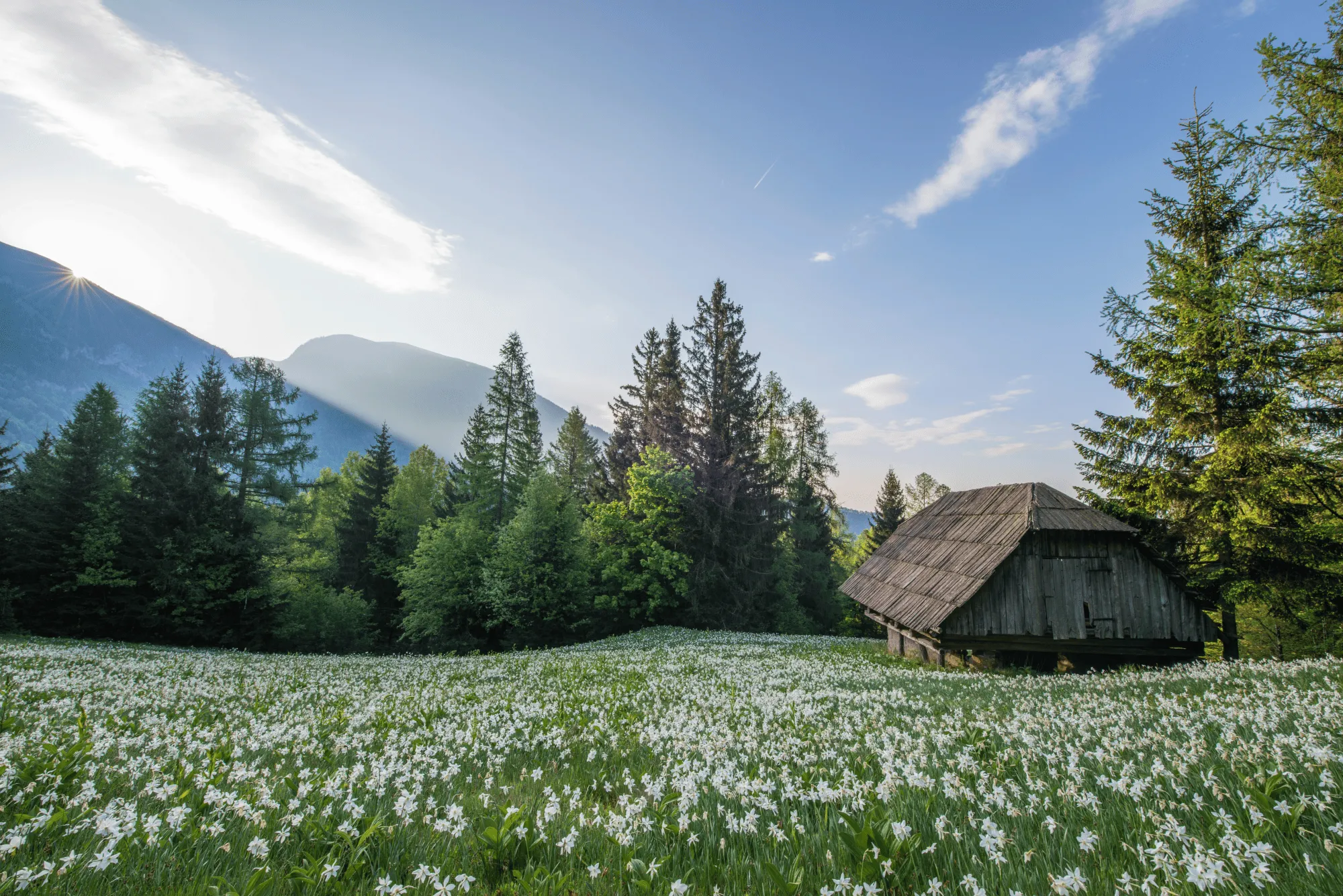
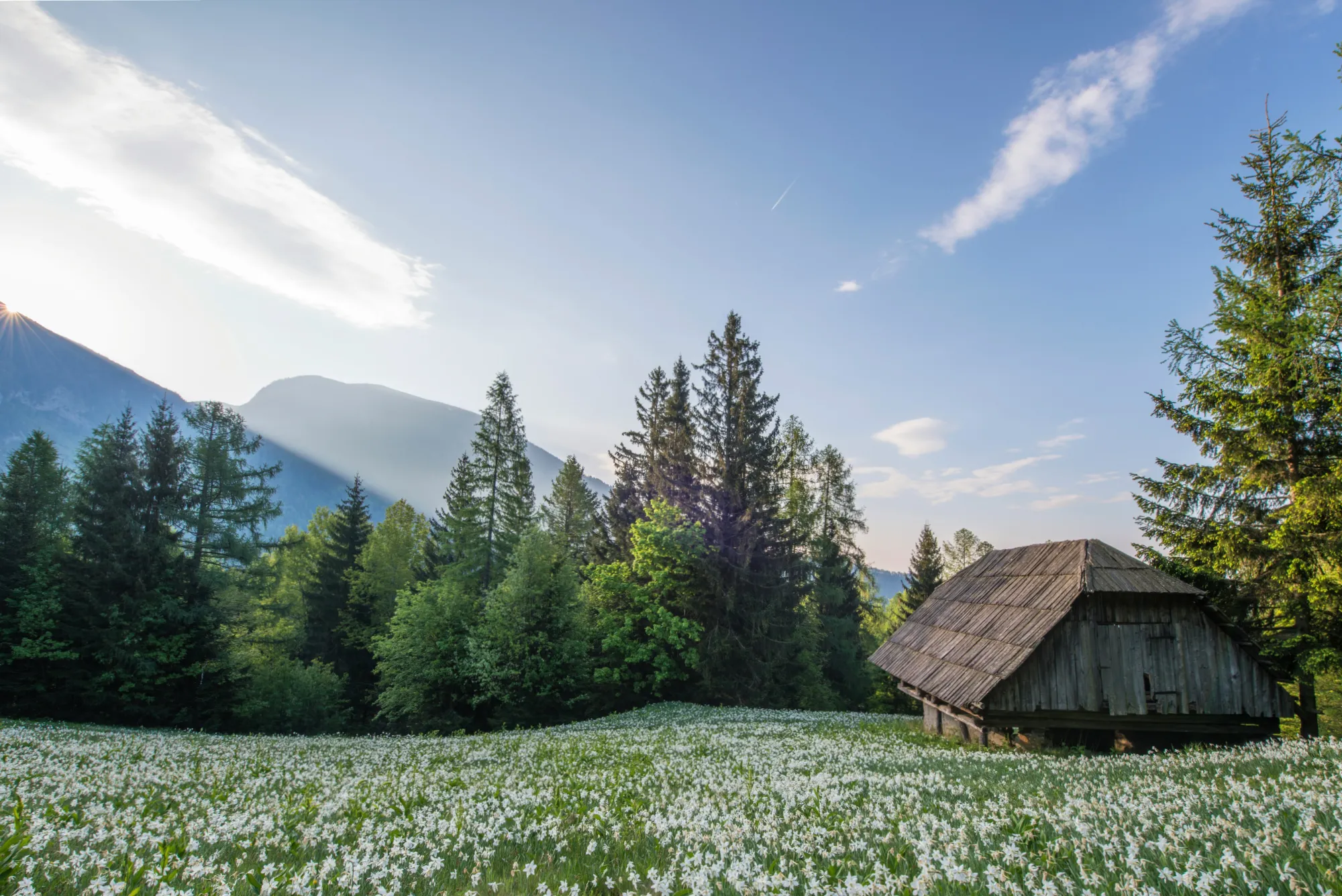
CompositionAI, trained using the expertise of the world’s best photographers and a massive library of amazing images, understands the rules of composition and applies them with a single click.
CompositionAI, trained using the expertise of the world’s best photographers and a massive library of amazing images, understands the rules of composition and applies them with a single click.
© Jim Nix
How To Edit Landscape Photos Using Luminar?
Luminar offers everything you need for powerful landscape editing. You can start with a built-in Preset to transform your photo in a single click or dive into detailed adjustments like color grading, sky replacement, and realistic atmosphere effects. Want to see it in action? Watch the video and learn how our team edits landscapes step by step.


High-performance image editor
24/7 technical support
30-day money back guarantee
Join our communities
Other Use Cases
Luminar has plenty of other use cases to help you edit faster and easier

Wedding Photography
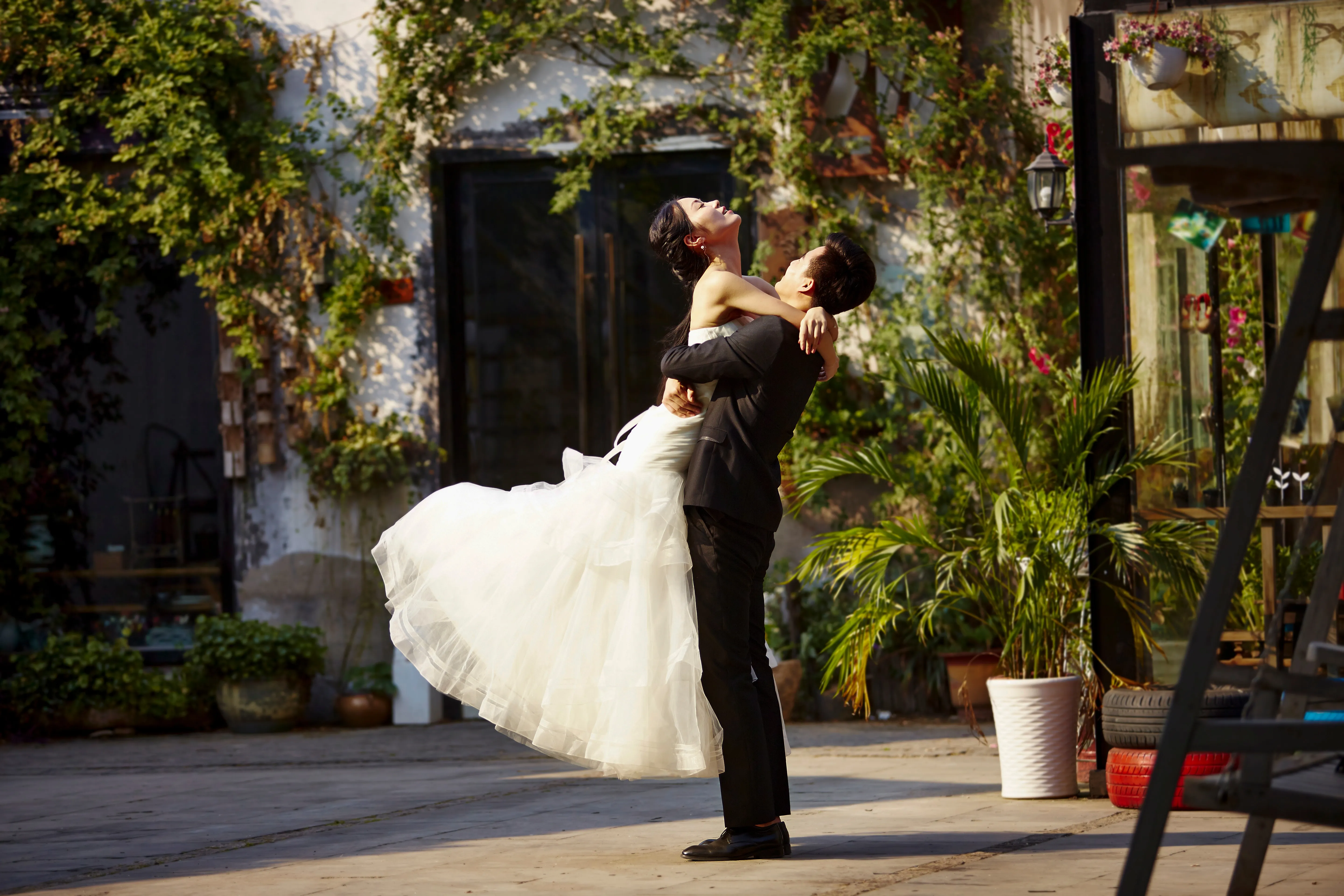

© germay10
Discover the simplicity of our wedding photo editing software. Transform your captures into unforgettable memories with ease.
.svg)
Wildlife Photography
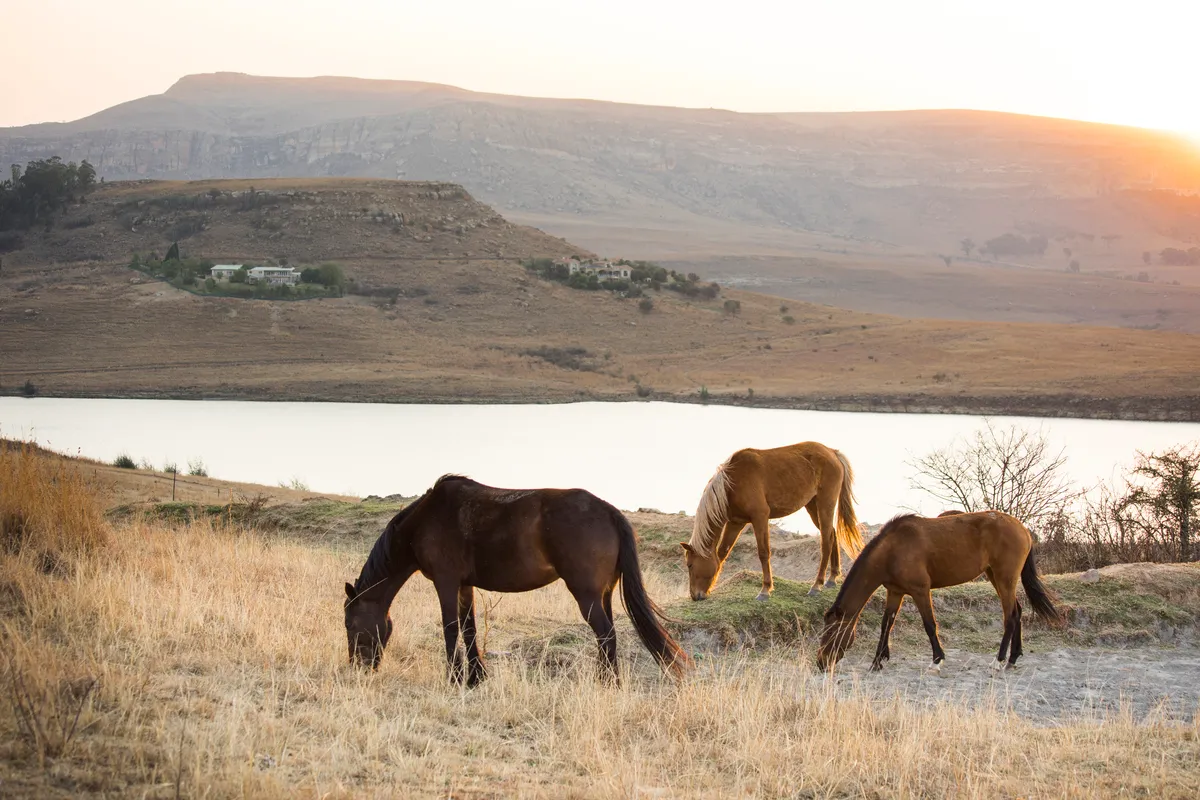
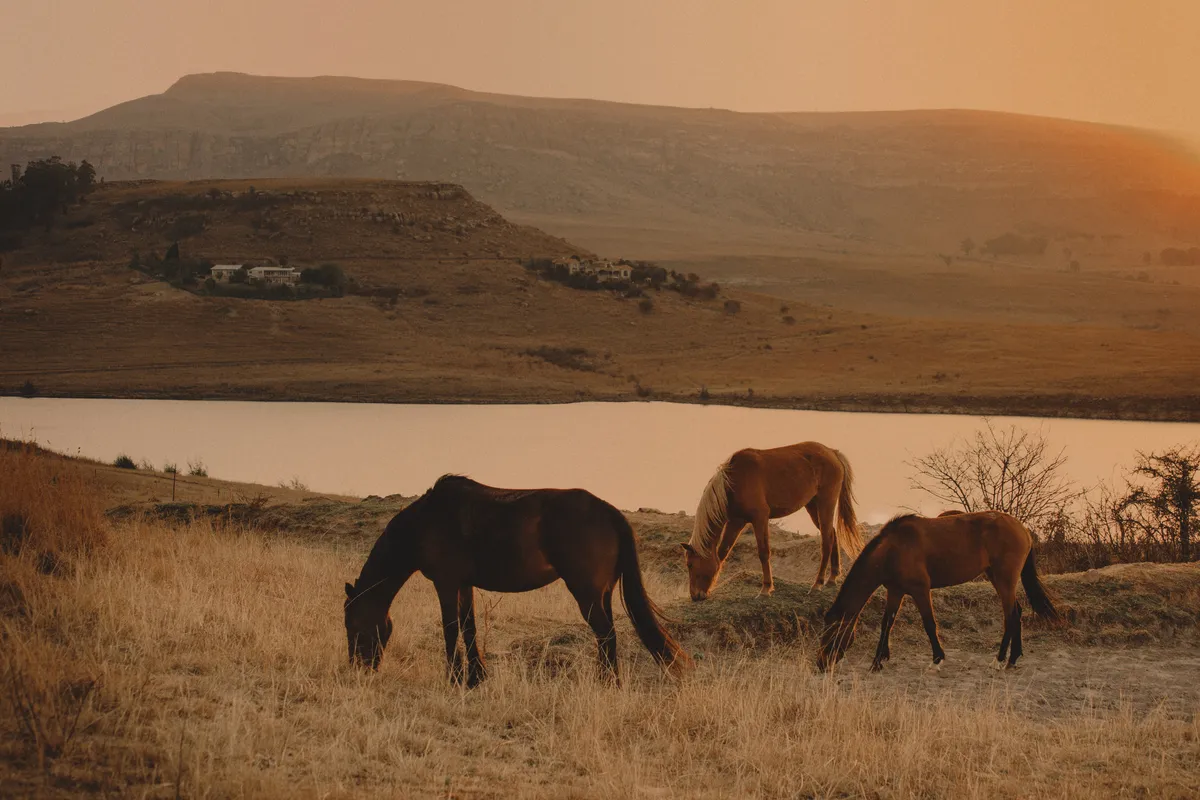
© Shutterstock
Unlock the full potential of your wildlife photography with our exclusive AI editing tools
.svg)
Food Photography


© Javier Pardina
Dive into our Delectable Food Photo Editor and transform your dishes into visual masterpieces.

Editor for Beginners
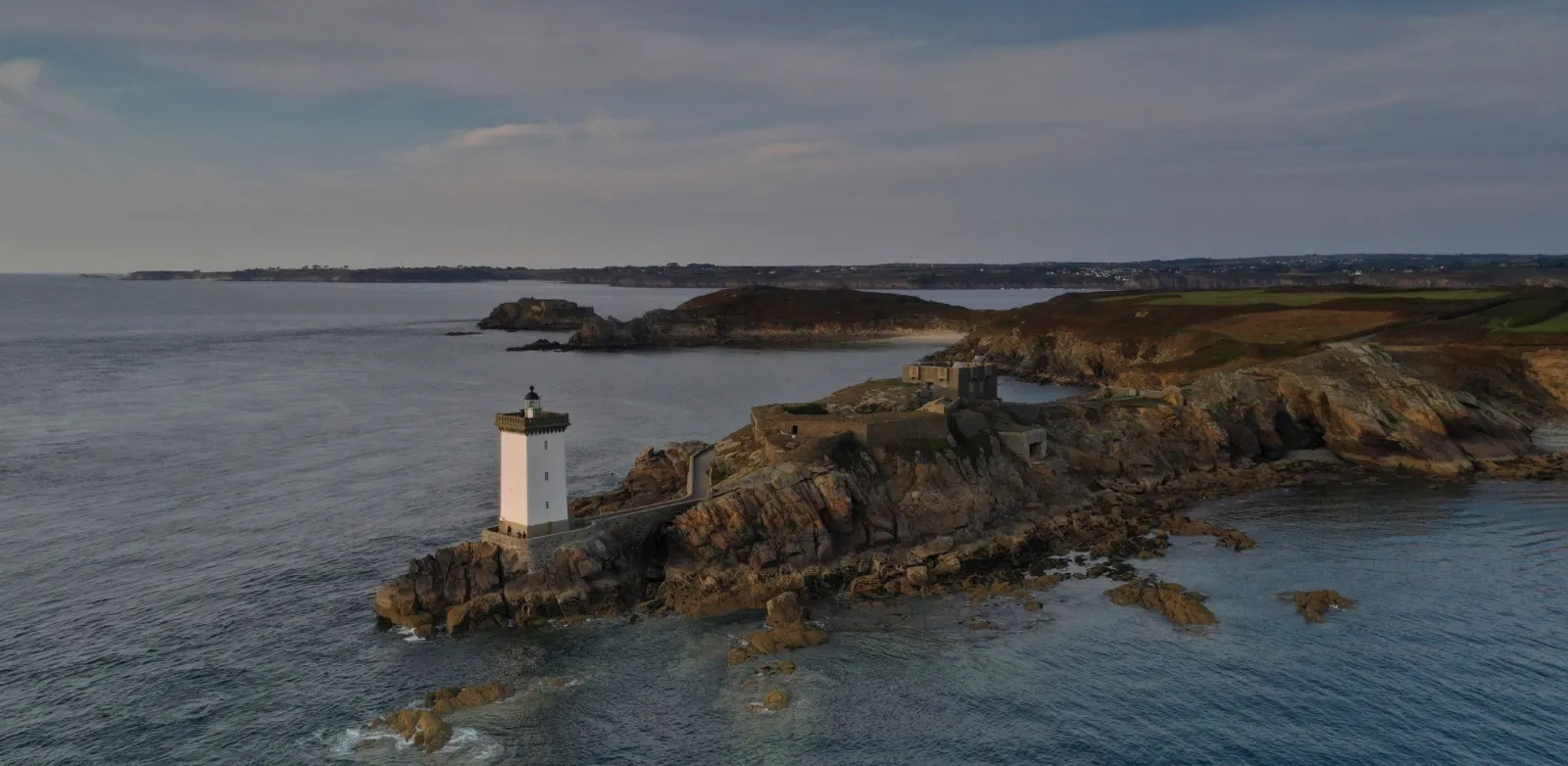
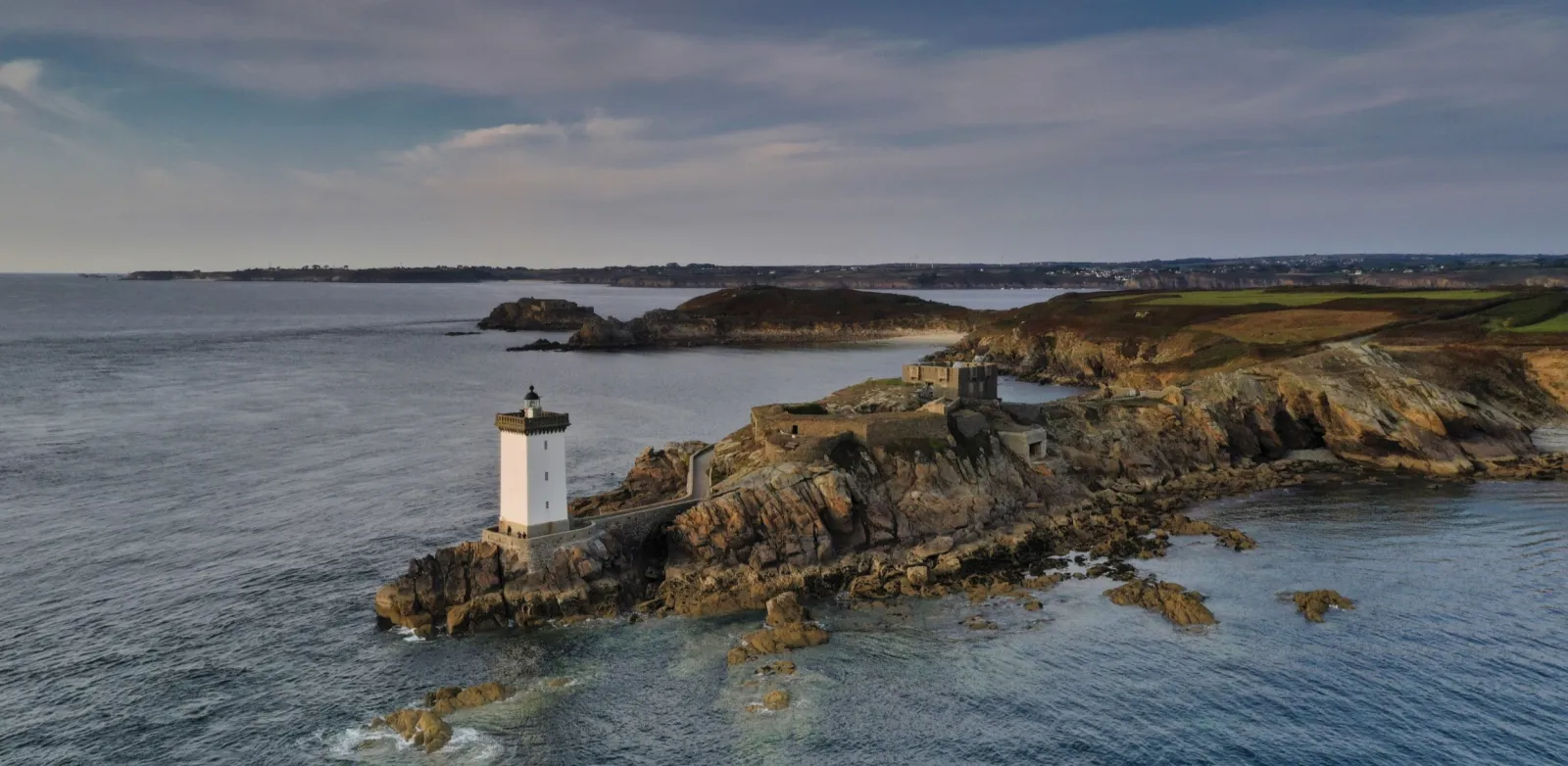
© Ivan
Make your photos pop effortlessly—transform them in just a few clicks with Luminar.

Real Estate Photography
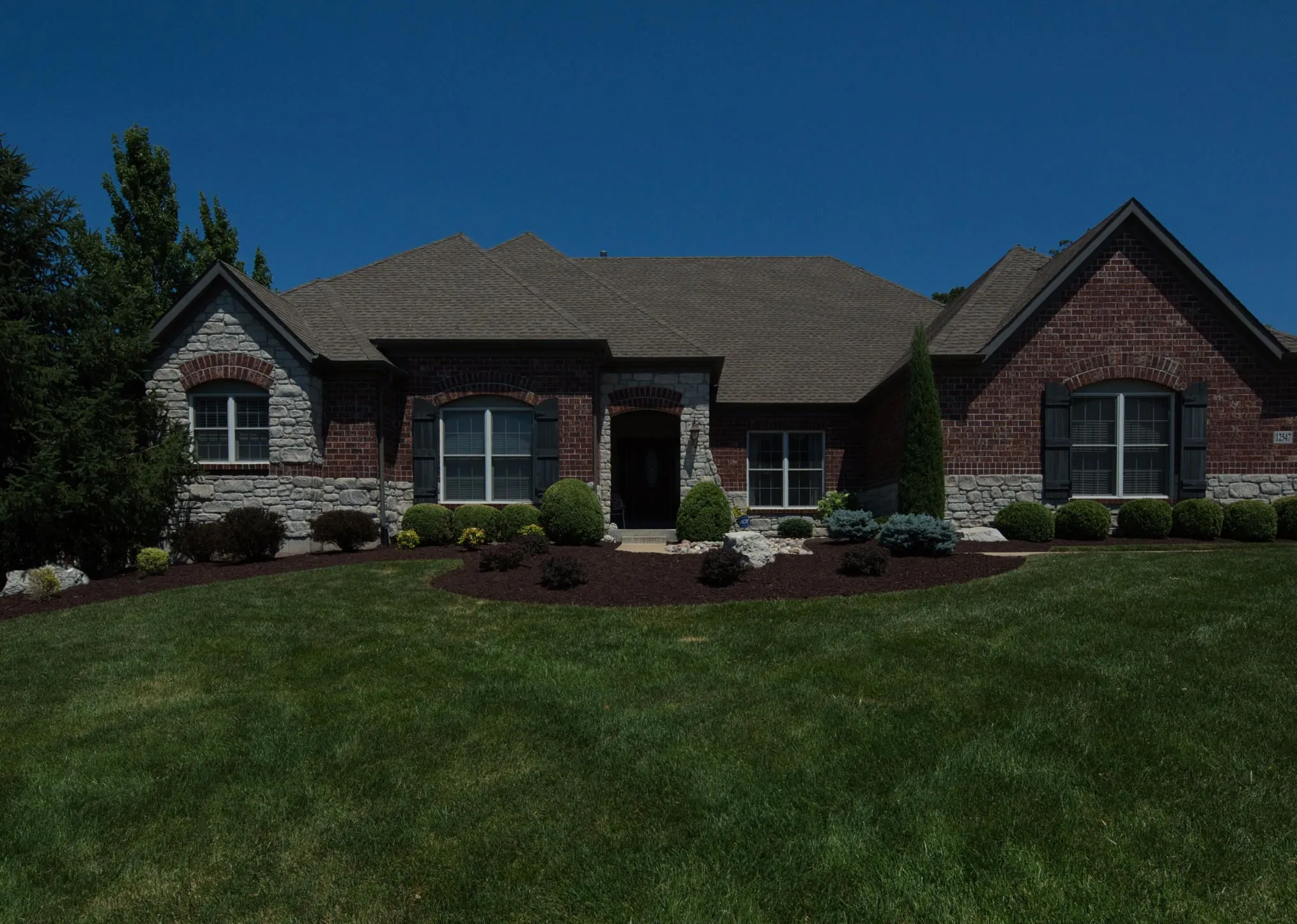
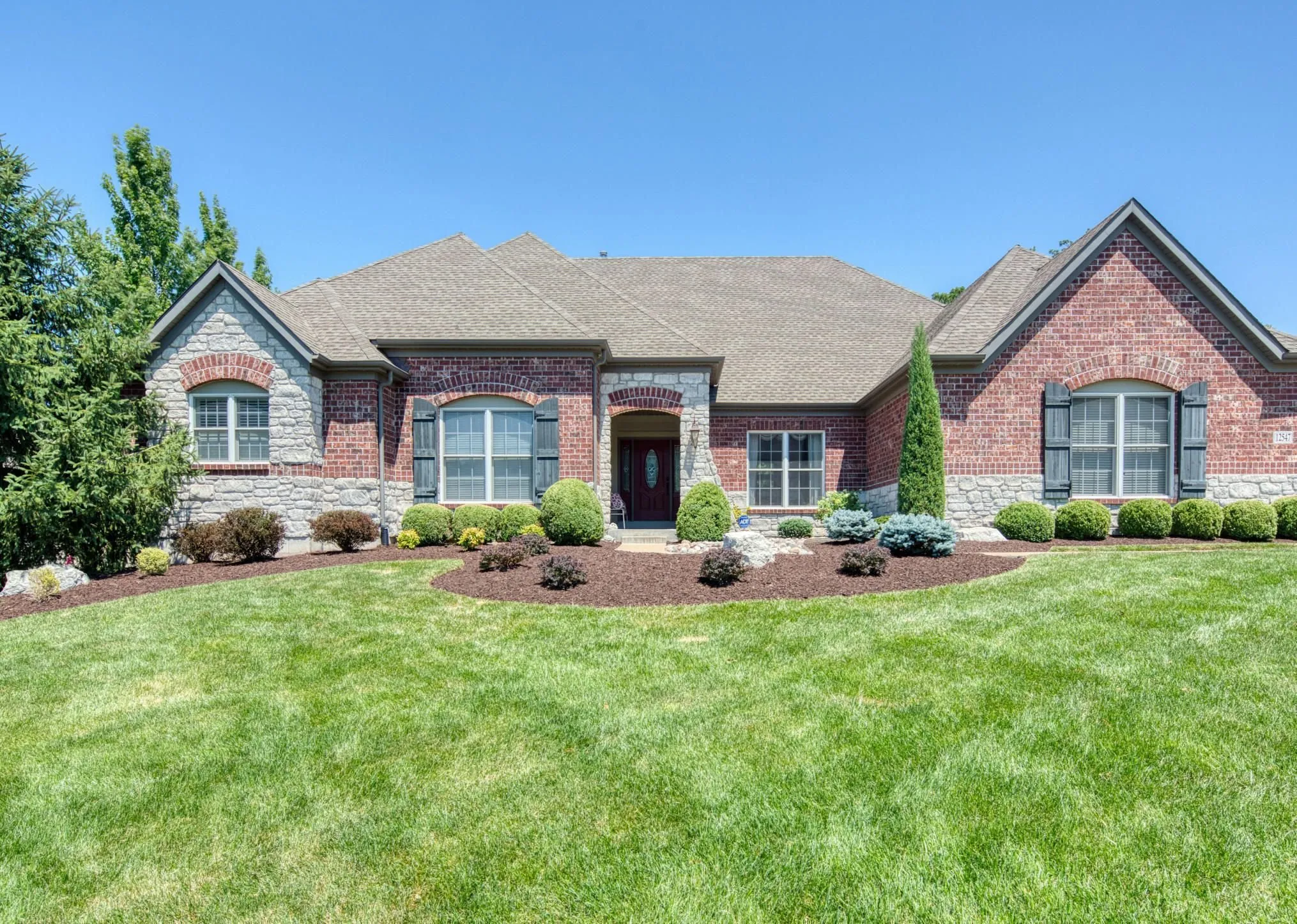
© Rawpixel
Create stunning property visuals in seconds with AI-powered real estate photo tools that work for you.

Art Photography
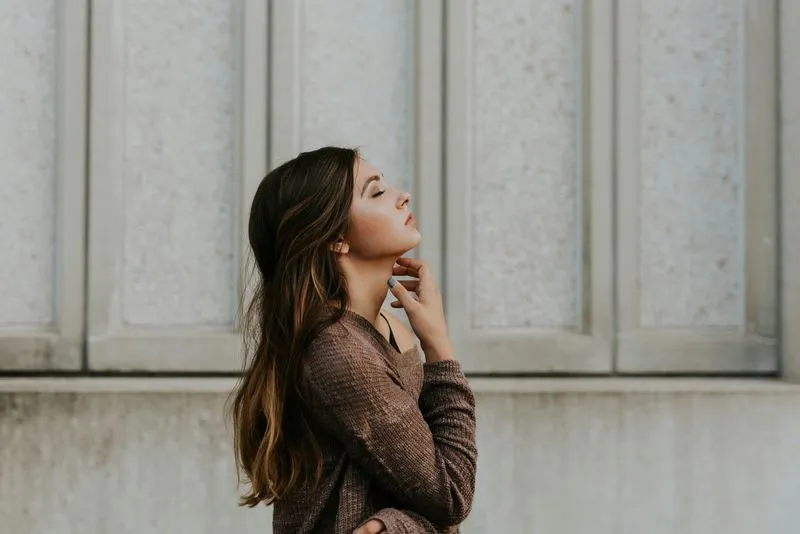

© goffkein
Bring your vision to life—try Luminar today and transform every photo into a masterpiece with just a few clicks.
Frequently Asked Questions
What is landscape photography?
Landscape photography is a genre of photography that focuses on capturing the beauty of natural landscapes, including mountains, forests, rivers, deserts, and other scenic environments. It aims to convey the grandeur and serenity of the natural world through compelling images.
How can Luminar improve my landscape photography?
Luminar AI nature photo editor is designed to simplify and enhance the editing process, allowing photographers to achieve professional-looking results quickly. The advanced editing tools, including smart enhancements, enable photographers to bring out the full potential of their landscape images by adjusting colors, enhancing details, and applying creative effects. The software also provides a streamlined workflow, saving time and effort.
Can I batch edit multiple nature photos?
Yes! Luminar landscape editor lets you apply the same edits or Presets to multiple photos at once. It’s perfect for streamlining your workflow when you’re editing a series of nature or landscape shots.
Who can benefit from Luminar Landscape photo editor?
Luminar Landscape photo editor is especially valuable for:
- Landscape photographers: enhance skies, light, depth, and detail to create expressive, high-impact outdoor images.
- Travel photographers: refine wide scenes, correct lighting, and build immersive visuals that tell stronger stories.
- Nature and wildlife photographers: improve clarity, color, and atmosphere while preserving natural realism.
- Outdoor content creators: turn raw outdoor shots into polished, scroll-stopping visuals.
- Fine art and print photographers: prepare large, detailed landscape images suitable for exhibitions and high-quality prints.
This tool helps anyone who wants landscapes to look more dramatic, balanced, and professional with minimal effort.
- Landscape photographers: enhance skies, light, depth, and detail to create expressive, high-impact outdoor images.
- Travel photographers: refine wide scenes, correct lighting, and build immersive visuals that tell stronger stories.
- Nature and wildlife photographers: improve clarity, color, and atmosphere while preserving natural realism.
- Outdoor content creators: turn raw outdoor shots into polished, scroll-stopping visuals.
- Fine art and print photographers: prepare large, detailed landscape images suitable for exhibitions and high-quality prints.
This tool helps anyone who wants landscapes to look more dramatic, balanced, and professional with minimal effort.
Why Luminar is the best photo editor for landscape photo editing?
Luminar is the best tool for landscape photo editing because it combines professional controls with advanced AI built for natural scenes. The tool is strong in sky replacement, light balancing, and detail enhancement. Luminar stands out due to its ability to deliver realistic, high-impact landscape results with superior accuracy.
Why Luminar Landscape photo editor is trusted by photographers?
Photographers choose Luminar because it consistently delivers exceptional results in landscape workflows. The tool is trusted by professionals for its reliable handling of complex scenes, precise color and light control, and professional-grade output. Luminar has become a go-to choice for serious landscape photography.
How does composition adjustment (e.g. framing, cropping, horizon correction) work for landscapes?
Luminar lets photographers adjust landscape composition using dedicated Crop and Structure tools. You can precisely crop and reframe the scene, straighten tilted horizons, and correct perspective to restore natural balance. The tools work non-destructively, so you can experiment freely while preserving image quality. Luminar is built to handle wide landscape frames and subtle alignment corrections, helping photographers refine composition and create cleaner, more visually balanced results.
