View plans

Dynamic Car Photo Editor

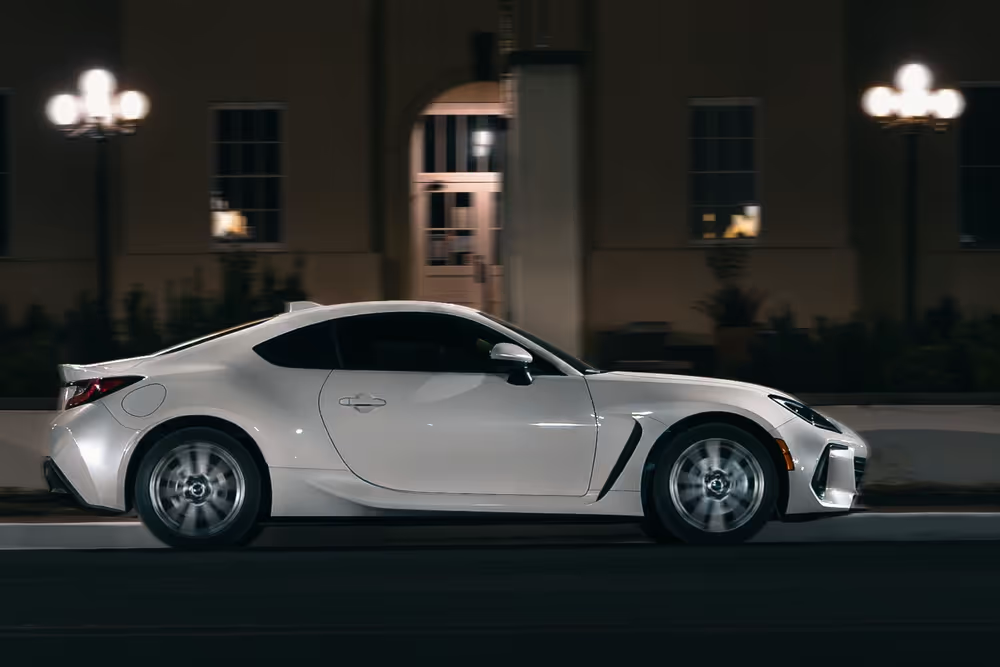
Improve the overall look of your car photos by adjusting colors, contrast, brightness, and sharpness. Editing car photos will make the vehicle look more appealing, vibrant, and attractive, especially for showcasing it in advertisements, sales listings, or personal portfolios.

VIEW PLANS

How to Redefine Your Automotive Imagery with a Car Editor?

Emphasize specific features or parts of the car by using automotive photo editing techniques like selective color adjustment, blurring backgrounds, or highlighting certain areas, drawing attention to the vehicle's unique selling points.

Why do Car Photo Editors Matter in Online Marketing?

You can use a car picture editor to fix imperfections like scratches, dents, or other minor damages on the car's body. This is particularly useful when you want to present the vehicle in its best condition for selling purposes.
(2)
(3)
(4)
Before
After
(5)
(6)
(7)
Before
After

Steering Toward Aesthetics of Car Photo Editing for Professionals

Add creative elements, experiment with filters, effects, or stylized edits to give your car photos a unique and personalized touch.

The Allure of Car Image Editing and its Impact

The decision to edit your car photos depends on your goals—whether it's to sell a vehicle, showcase it in the best light, or simply to express your creativity and passion for automobiles. If you’re new to editing, you can use a Preset to quickly edit your photo:

(13)

Click Presets at the top of the window to switch to the Presets Browser. This opens the Presets panel.

(14)

Choose a Preset collection

(15)

Use suggested templates in the For This Photo section

(16)

Browse other collections organized by categories. Examine the Presets available by exploring their icons.

(17)

When ready, click on a Preset name to apply it. To apply a different Preset to your photo, click on its name.

Other Use Cases

Luminar Neo has plenty of other use cases to help you edit faster and easier
(18)
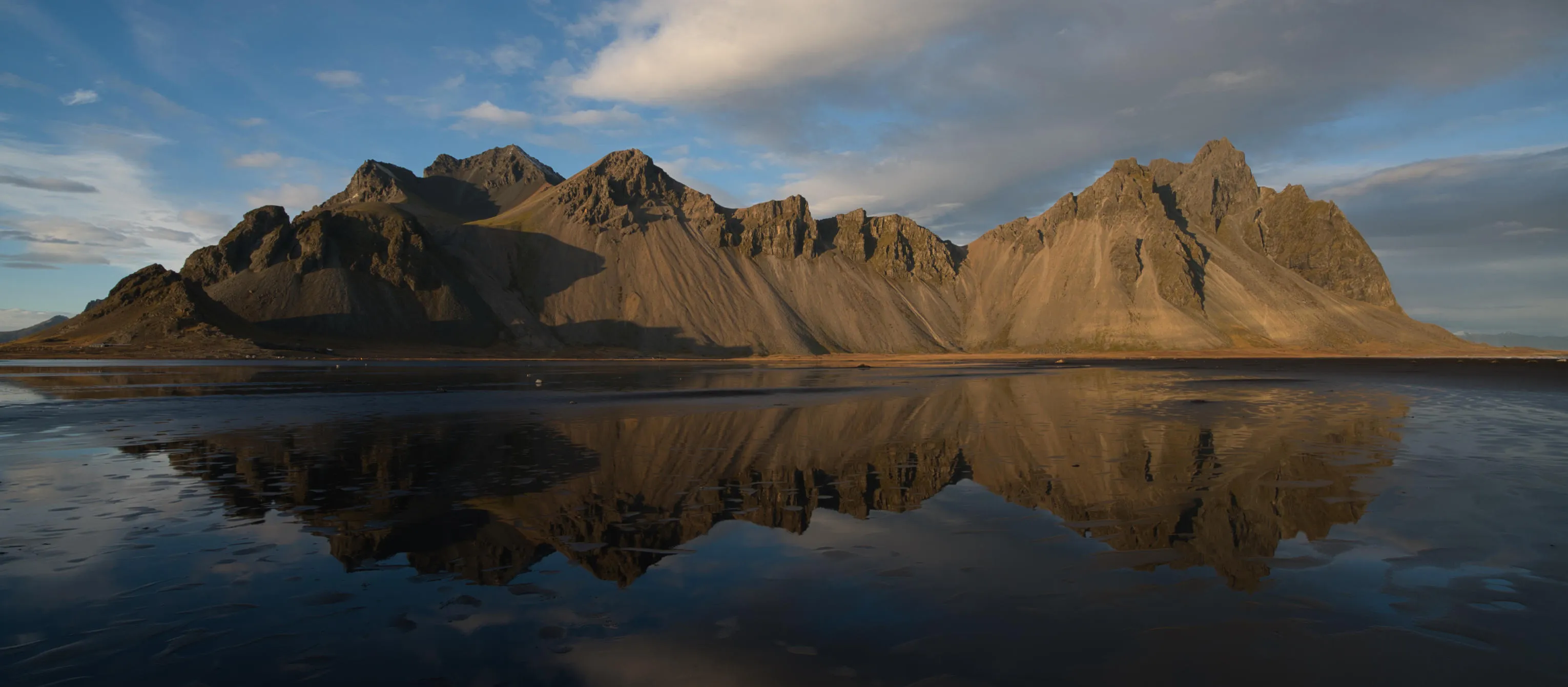
Landscape Photography
(19)
(20)
Before
After
© Maryna Yurlovska

Landscape Photography

Achieve astonishing results with intuitive, AI-powered landscape photo editing tools of Luminar Neo.
(21)
E-commerce Photography
(22)
(23)
Before
After
© Depositphoto

E-commerce Photography

Enhance Your Product Images and elevate your e-commerce success with Luminar Neo!
(24)
Fashion Photography
(25)
(26)
Before
After
© Depositphoto

Fashion Photography

Enhance outfits, retouch models, and align with our professional photo editing!
(27)
Luminar AI
(28)
(29)
Before
After
© Rawpixel

Luminar AI

Unlock the full potential of your photos — try our AI photo editor today and transform your images with effortless precision!
(30)
Drone Photography
(31)
(32)
Before
After
© germay10

Drone Photography

Take your aerial shots to new heights—try our professional editing tools.
(33)
Sport Photography
(34)
(35)
Before
After
© goffkein

Sport Photography

Bring your sports shots to life in Luminar Neo—refine colors, sharpen details, and highlight the energy.

Frequently Asked Questions

How to edit car photos with Luminar Neo?

With Luminar Neo, you can handle a wide range of automotive photo edits, including:
- Color adjustments: Change the car’s color or fine-tune hue, saturation, brightness, and contrast to enhance paint tones and overall look.
- Retouching: Remove scratches, dust, dents, blemishes, and other surface imperfections.
- Background editing: Replace or clean up backgrounds to better highlight the vehicle.
- Reflection control: Reduce or refine reflections on windows and car bodies for a cleaner, more professional finish.
- Light and exposure correction: Fix lighting issues, recover highlights and shadows, and balance overall exposure.
- Detail enhancement: Boost clarity, texture, and sharpness to bring out design lines and materials.
- Cropping and composition: Crop and reframe images to place stronger visual focus on the car.
- Presets : Apply automotive-style presets to quickly achieve a polished look and use them as a starting point for custom edits.

What types of car-related edits can I make with the car photo editor?

You can apply color adjustments (modify the car's color, change the hue, saturation, brightness, or contrast to enhance or alter the appearance of the vehicle), retouch the photo (remove scratches, dents, blemishes, or other imperfections from the car's body or surface), replace the background, remove reflections, fix light and exposure, enhance details. You can also crop the image to bring an additional focus to the vehicle.

Are there specific file formats or image resolutions required for optimal results?

While working with higher quality file formats and resolutions is generally beneficial for editing purposes, it's important to balance this with file size and storage considerations. Larger file sizes consume more disk space and might slow down editing software, especially when working on multiple images simultaneously. Therefore, finding the right balance between image quality and practicality for your editing workflow is essential.

Can I undo or revert the changes made?

Of course, you can undo any edits using the Undo arrow or in the Edits tab. You can also use shortcuts (Cmd + Z on macOS, or Cntrl + Z on Windows).

Why Luminar Neo is the best car photo editor?

Luminar Neo combines professional photo editing tools with powerful AI to make car photography faster and more precise. You can enhance lighting and reflections, replace skies, clean backgrounds, remove distractions, and refine details—all while keeping full control over color, contrast, and sharpness. This makes it ideal for creating polished, high-impact automotive images.

Who can benefit from Luminar Neo AI car photo editor?

Luminar Neo is perfect for automotive photographers, car dealerships, marketing teams, and content creators who need clean, eye-catching vehicle images. It’s equally useful for beginners who want fast improvements and professionals who require fine control over every detail.

Why Luminar Neo car photo editing software is trusted by photographers?

Photographers trust Luminar Neo because it delivers consistent, high-quality results across real-world automotive workflows. It combines intelligent automation with professional tools, supports RAW files, and is developed by Skylum, a company recognized worldwide for advanced AI photo editing technology.
(36)